

Each WPeMatico add-on you buy comes with a license key. Activating it on your site lets you receive the updates of the add-on directly in your WordPress admin.
Before Activating the Keys
- Install and activate the free WPeMatico plugin. All the add-ons need it.
- Download your add-ons from your account or from the links in the purchase email.
- Go to Plugins → Add Plugin → Upload Plugin, upload each zip file and activate it. The add-ons appear in Plugins → WPeMatico Addons.
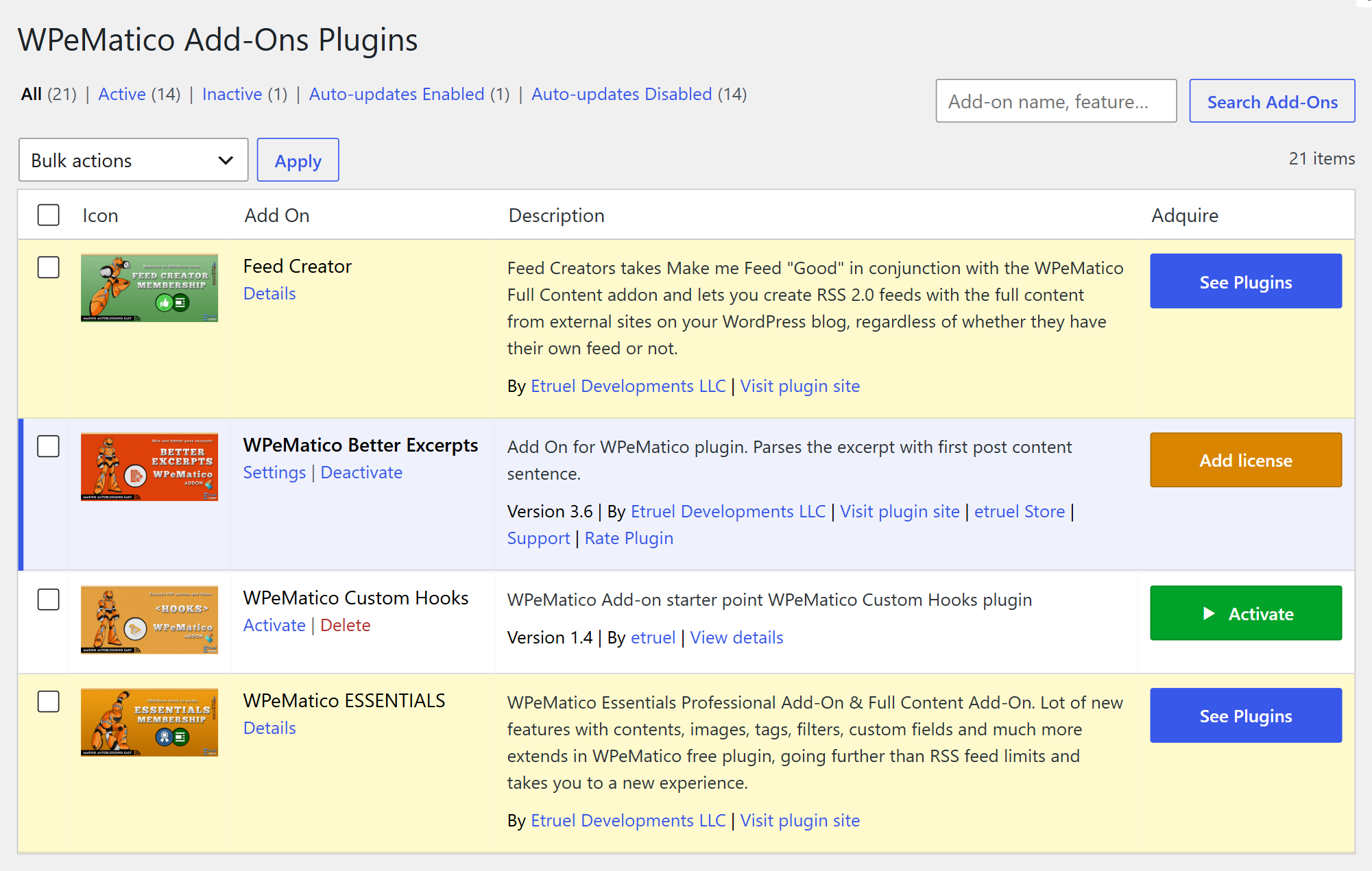
See more details in How to install and update WPeMatico or Fakturo add-ons?
Activate the License Keys
- Go to WPeMatico → Settings and open the Licenses tab. There is a box for each add-on you activated.
- Paste the key of each add-on in its License Key field and click Save settings.
- Click Activate License. The status changes to Valid and shows the expiration date and the activations you have left.
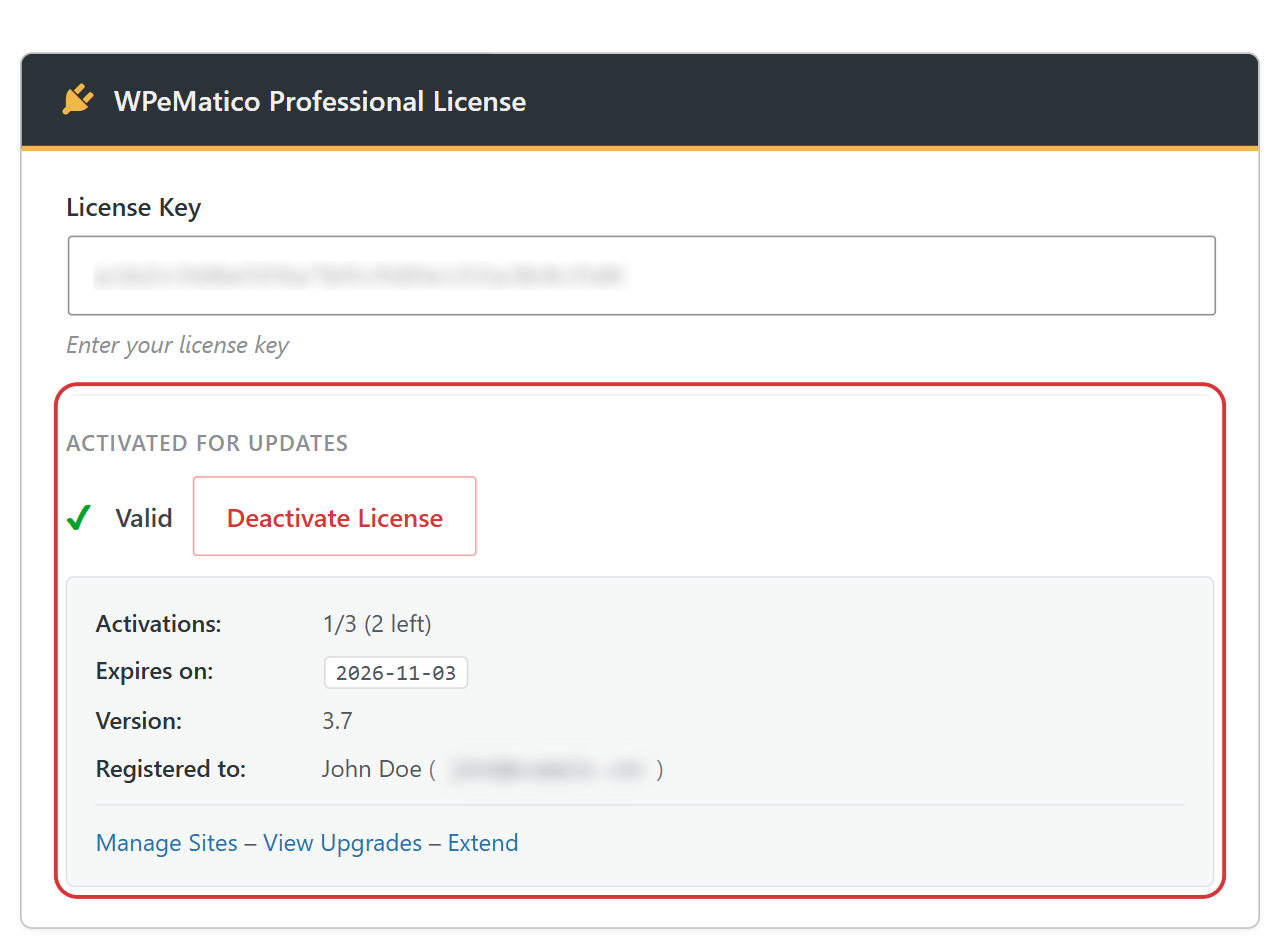
Note: If you see No activations left, your key is already active on other sites. Click the message to manage the sites where it’s activated. If the license expired, renew it to keep receiving updates and support.
Memberships and Licenses
If you bought a membership, use the license key of the membership in the box of every add-on included in it.


