

Yes. The Full Content add-on keeps the config files of each site in a folder of your WordPress, and you can tell it to use a different folder with a filter.
Go to WPeMatico → Tools → Full Content. The Config Files on Folder box shows the Absolute Path of the folder and the list of config files, one .txt file for each domain. By default the folder is:
wp-content/uploads/wpematicopro/config/custom/
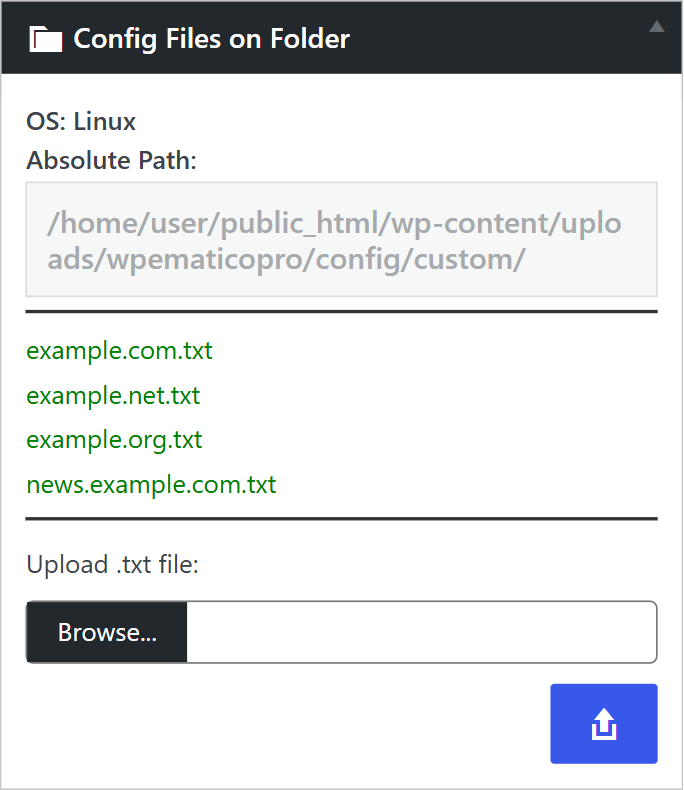
Note: If the folder is still inside the plugin directory, WPeMatico shows a notice to move it to the uploads folder. Do it, so your files are not deleted when you update the add-on.
- Create the folder wherever you want, for example inside
wp-content/uploads/, and copy your config files into it. - Add this code to the
functions.phpfile of your child theme, or with a code snippets plugin, and write the full path of your folder:
add_filter( 'wpematico_fullcontent_folder', 'my_fullcontent_config_folder', 20, 1 );
function my_fullcontent_config_folder( $folder ) {
	// Full path to your folder, e.g. /home/user/public_html/wp-content/uploads/my-config/
	$my_folder = 'INPUT HERE THE FULL PATH';
	if ( ! is_dir( $my_folder ) ) {
		return $folder; // keeps the default folder if yours doesn't exist
	}
	return $my_folder;
}
From then on, the add-on reads the config files from your folder when it fetches the content. If it doesn’t find a file for a domain there, it uses the standard config files that come with the add-on.
Note: The editor and the upload field in Tools → Full Content keep working with the default folder. Manage the files of your own folder by FTP or with the file manager of your hosting.


