With the Office Campaign Type add-on, WPeMatico publishes posts from documents stored in a folder of your server: Word, OpenDocument and PDF files, with their text and images. Each run publishes the files that were not published yet.
1. Put the Files on Your Server
Upload the documents to a folder of your server, for example /home/example/public_html/docs/, and copy its full path.
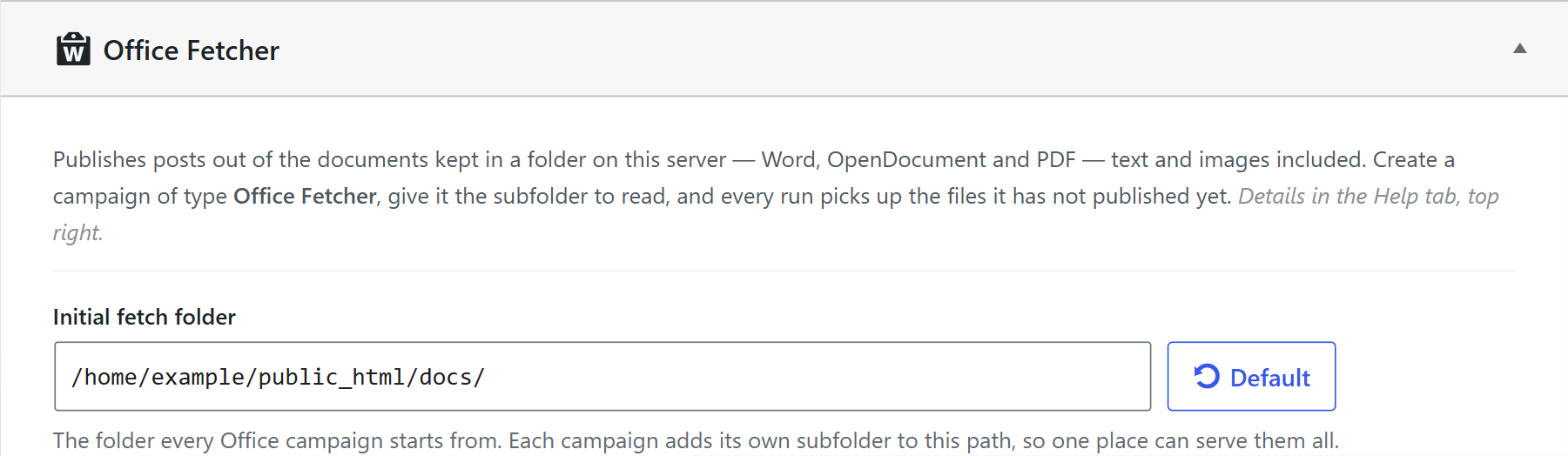
2. Set the Initial Folder
Go to WPeMatico → Settings, open the Office tab and write the path in Initial fetch folder. Every Office campaign starts from this folder and can add its own subfolder.
3. Create the Campaign
- Go to WPeMatico → Campaigns → Add New and choose the Office Fetcher campaign type.
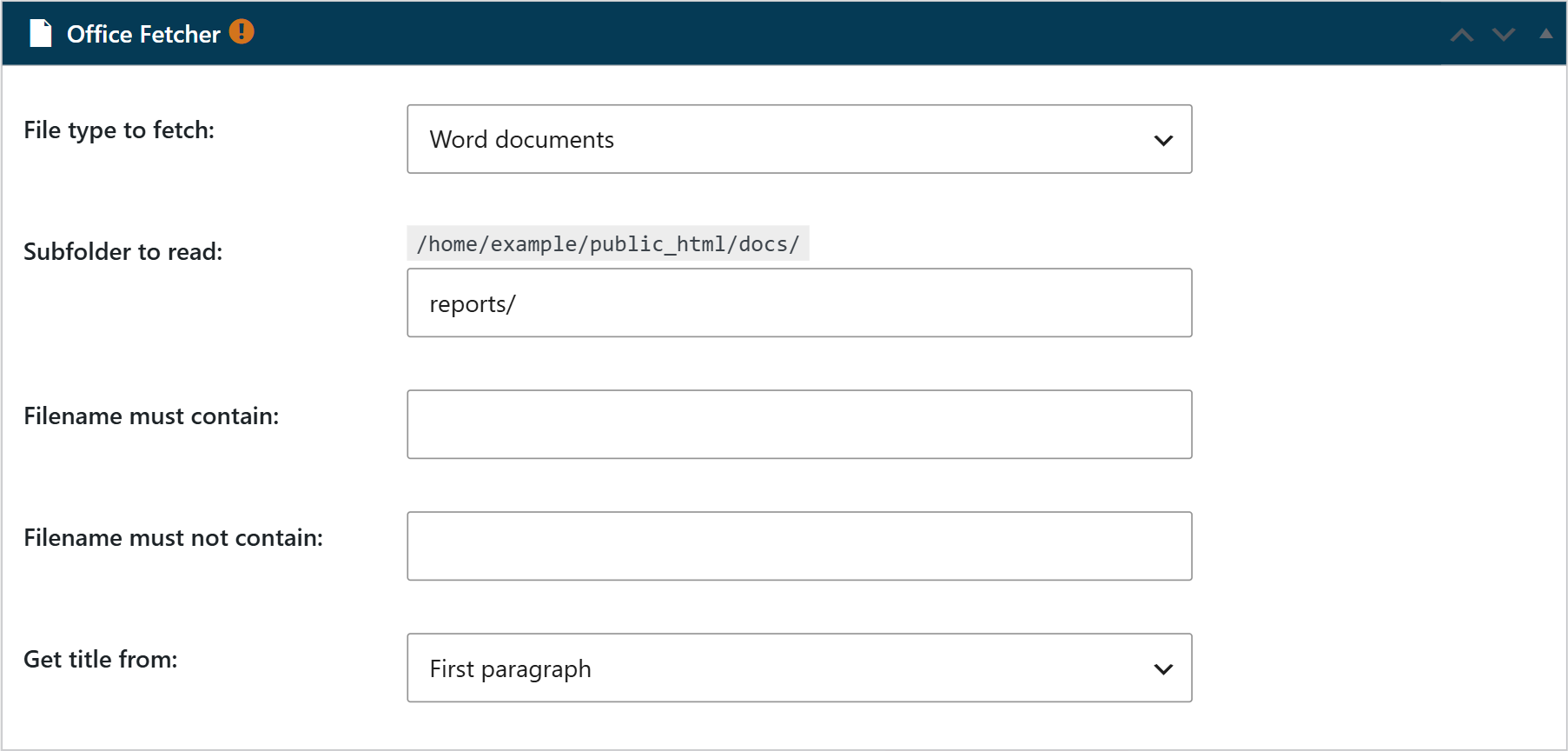
- In the Office Fetcher box, choose the File type to fetch and, if the files are in a subfolder, write it in Subfolder to read.
- Optionally, use Filename must contain or Filename must not contain to choose the files by their name.
- In Get title from, choose whether the title of the post is the Filename or the First paragraph of the document.
- Save the campaign and run it, or set its schedule so it runs on its own.