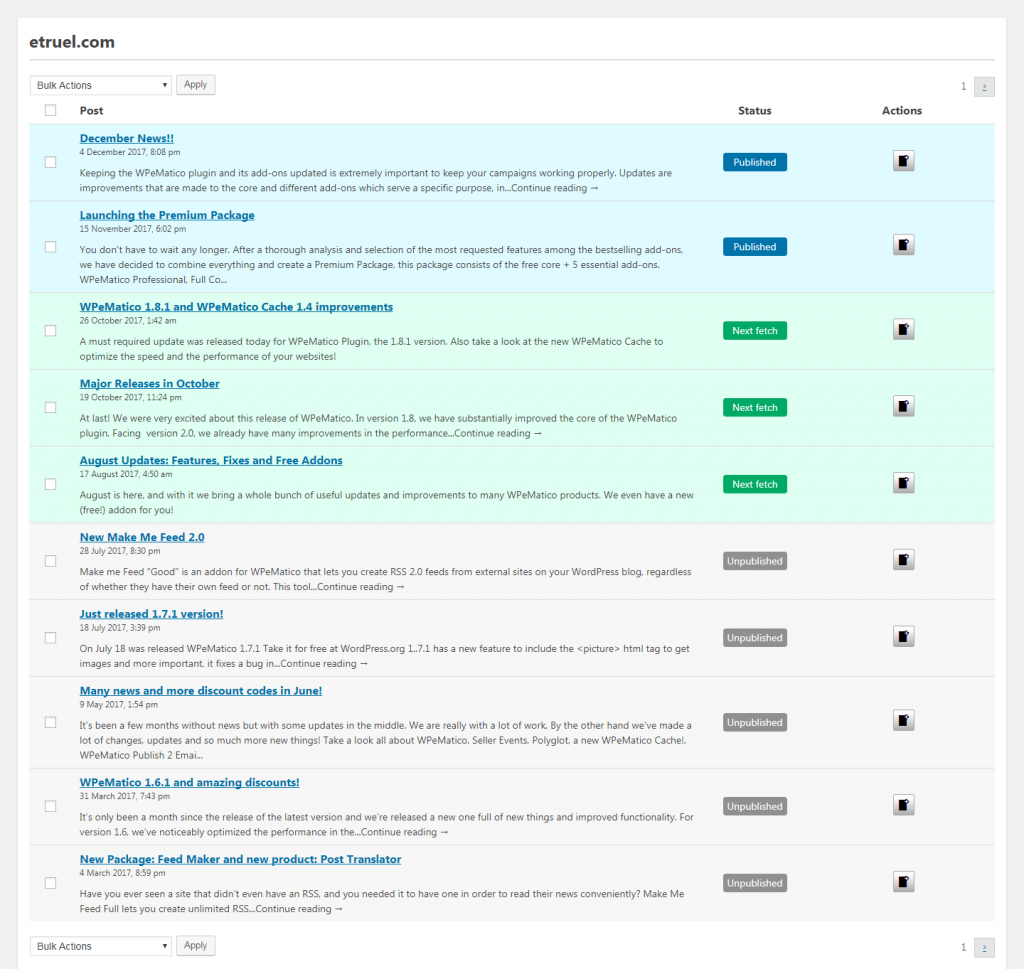
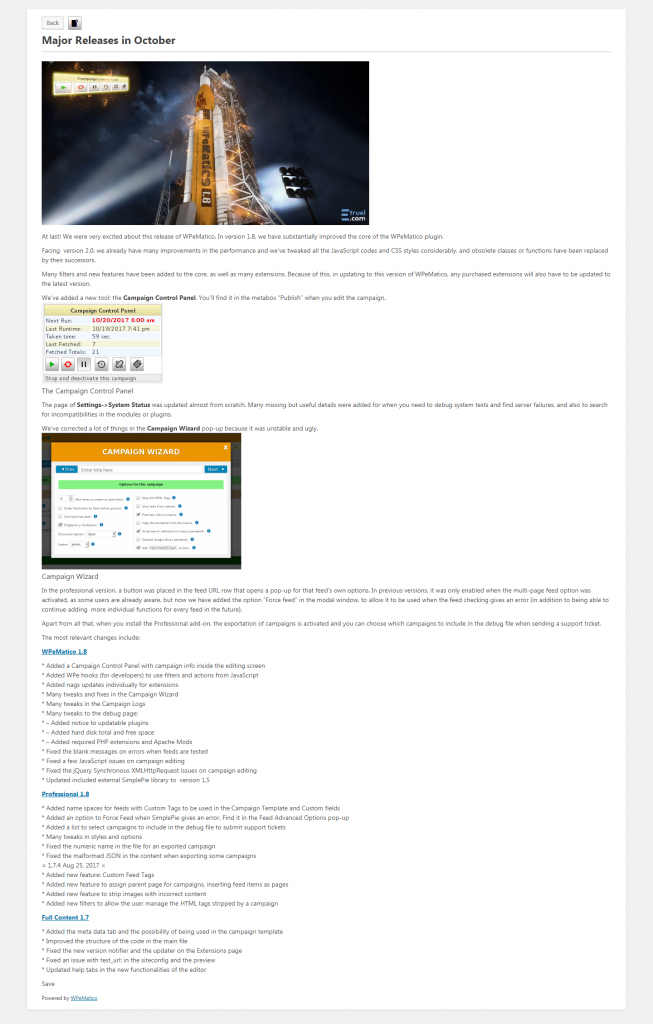
This tutorial describes and explains how to FETCH an item with WPeMatico Manual Fetching addon, available here.
WPeMatico Manual Fetching allows you to publish manually and individually the posts that the user wants by clicking on the “Fetch now” button from the “Actions” column.
You can also use multiple selection and publish posts in bulk from “Bulk Actions”.
How can you do this?
1- Go to → WPeMatico campaigns list from the WordPress admin.
2- Select the campaign and go to the control panel located on the right side inside the campaign edition and click on the preview button.
Once inside the feed preview, you can decide which posts to insert manually by clicking on the “Fetch Now” button.