

If the WPeMatico Settings page does not load completely, or stays blank in some part, the most common cause is that your server cannot connect to external websites. The Settings page shows the latest reviews of WPeMatico from WordPress.org in its sidebar, and when the server cannot reach that site, the page may not finish loading.
- Go to Settings → Writing in your WordPress admin.
- Scroll down to the WPeMatico section.
- Check Hide Reviews on Settings and click Save Changes.
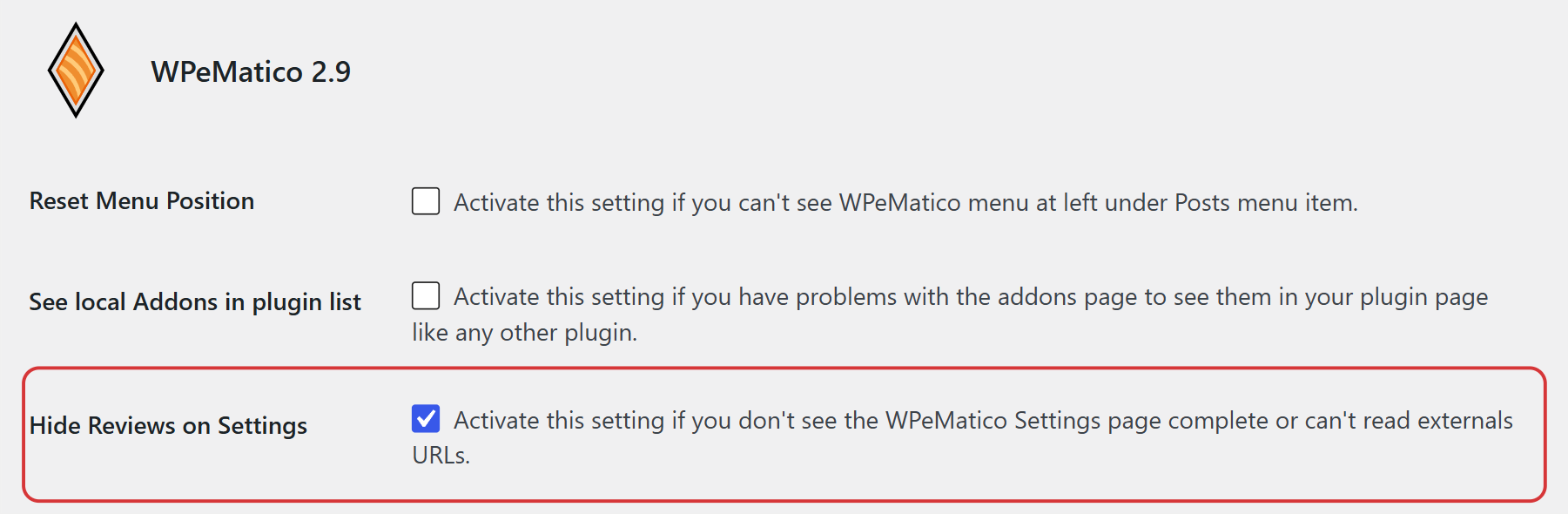
From then on, the Settings page shows only a button to see the reviews instead of loading them from WordPress.org.
The same section has two more options that help when something does not look right:
- Reset Menu Position — if you can’t see the WPeMatico menu on the left, under Posts.
- See local Addons in plugin list — if you have problems with the add-ons page and want to see your add-ons in the Plugins page like any other plugin.
Go to WPeMatico → Tools → System and look at the rows cURL, WP Remote Get and WP Remote Post. They show whether the PHP cURL extension is installed and whether your site can connect to external websites.
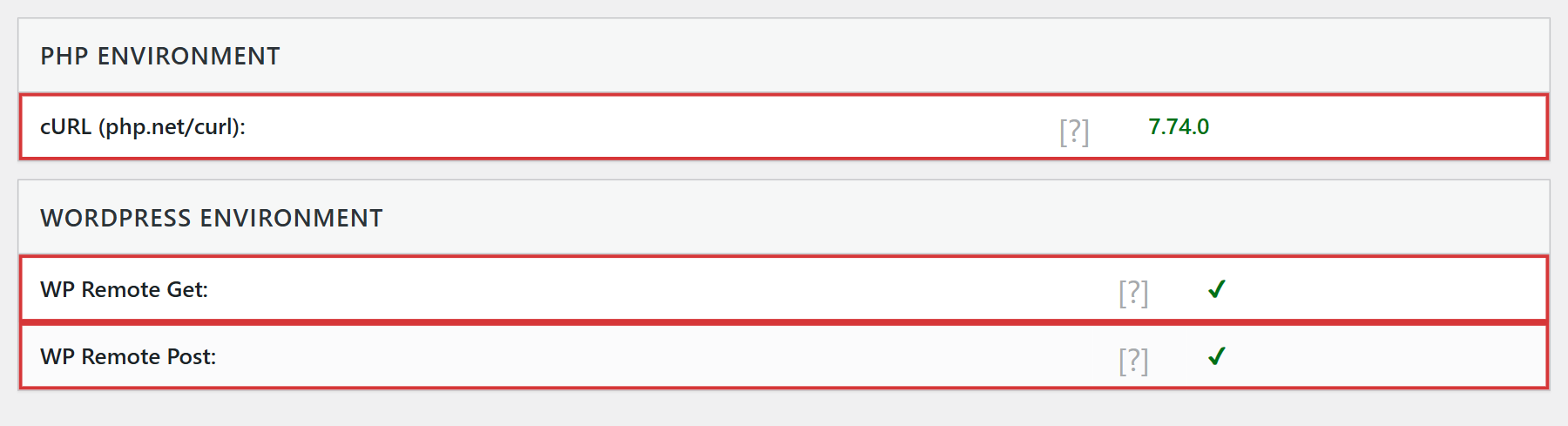
If any of them shows an error, ask your hosting provider to enable cURL or allow outgoing connections. WPeMatico also needs them to read the feeds of your campaigns, so it’s worth fixing it.
Note: If the page still doesn’t load, click Get System Report in the same tab and send it to us in a support ticket.


