

The Manual Fetching add-on lets you choose which items of a feed become posts. You preview the items and publish the ones you want, when you want, instead of waiting for the campaign to run.
1. Preview the Items
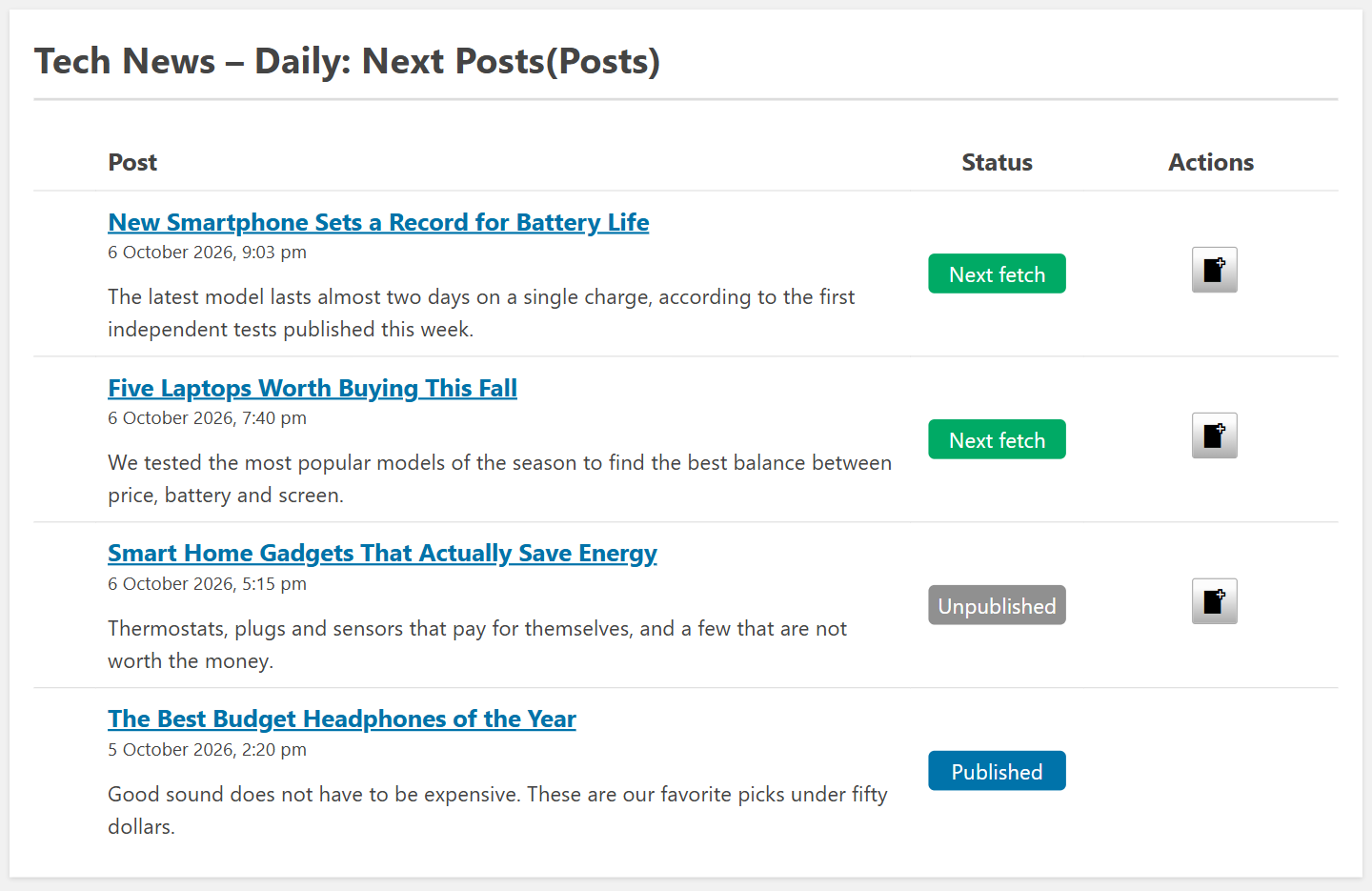
Edit the campaign and click Preview Campaign (the eye icon). The window lists the items of the feed with their status: Published, Next fetch (they will be published on the next run) or Unpublished. How many are marked as Next fetch depends on Max items to create on each fetch in the campaign options.
2. Check Each Item
Click the title of an item to see it as it would be published: the title and the content, with the options of the campaign and of your add-ons applied, like the Professional filters.
3. Fetch It Now
- Click Fetch Now in the Actions column to publish that item at once.
- To work with one feed of the campaign, click Preview Feed next to that feed. In that window you can also select several items and publish them with Bulk actions, and use the pagination to see older items of the feed.
Related FAQs


