

If the address of a feed created with Make me Feed Good shows a 404 error, WordPress doesn’t know that address yet. The feeds use their own addresses, like https://example.com/make-me-feed/my-feed/, and WordPress needs to update its permalink rules to recognize them.
Save the Permalinks Again
- Go to Settings → Permalinks in your WordPress admin.
- Don’t change anything. Just click Save Changes.
- Open the address of the feed again.
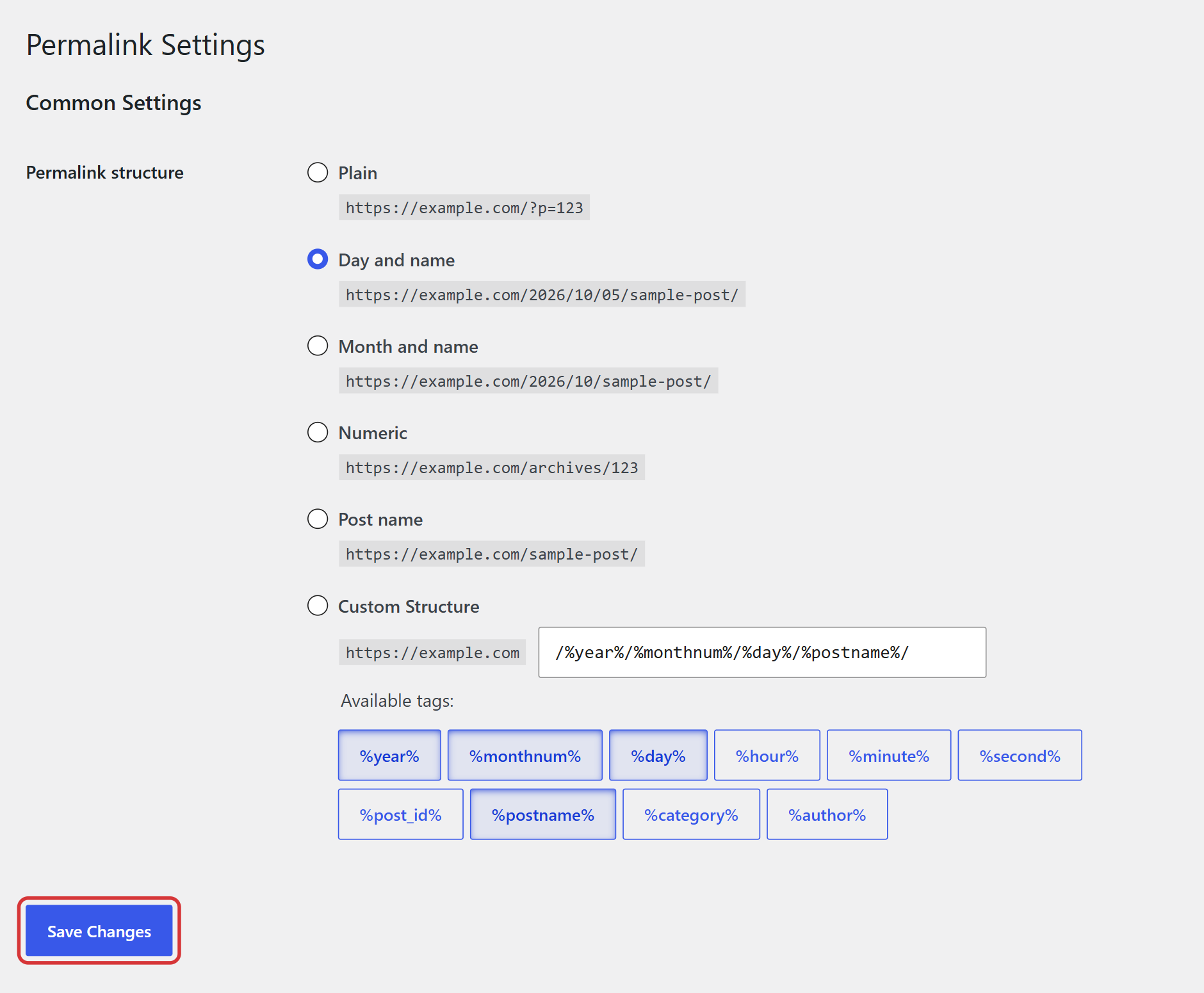
This rebuilds the permalink rules of WordPress, including the ones of your feeds. The add-on also does it by itself when you update it, but if you changed your permalink structure or moved your site, you may need to do it by hand.
Check the Feed
- Make sure the feed is published. A draft doesn’t have a public address.
- Copy the address from the RSS Feed URL Address box of the feed, or open it with View in the list of feeds, so you use the right one.

Note: If you use a cache or security plugin, clear its cache after saving the permalinks.
Related FAQs


