

 Could not read wordpress plugin: A valid URL was not provided.
Table of Contents
Two releases landed yesterday, and they’re designed to be installed together.
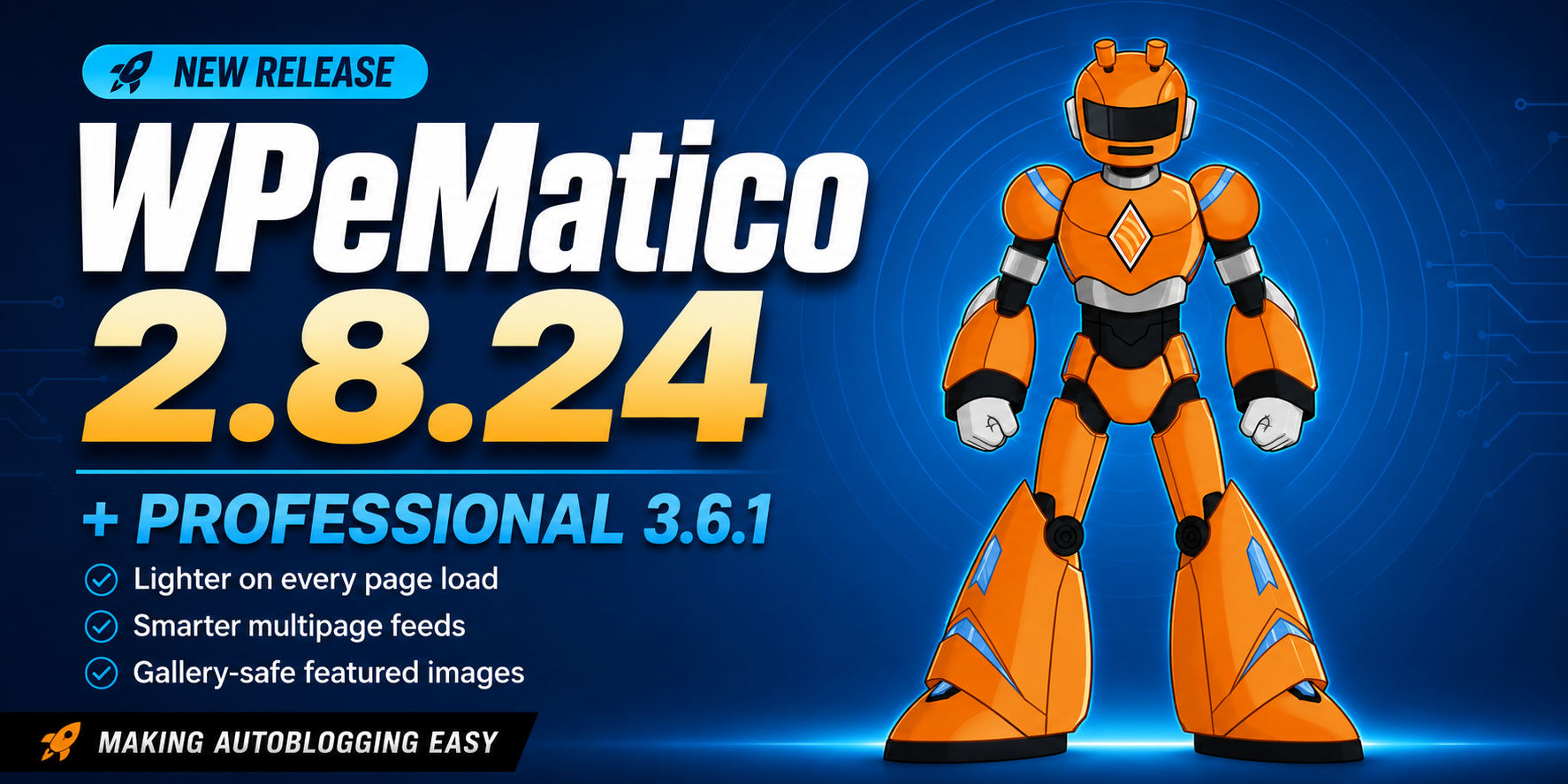
WPeMatico 2.8.24 is a performance and stability update for the free core, with the biggest gains on installations running a large number of campaigns. WPeMatico Professional 3.6.1 brings the featured-image tools up to the same standard, with smarter handling of the images you reuse across posts.
Here’s what’s new, and how to roll it out.
⚠️ Update in this order
Professional 3.6.1 requires WPeMatico core 2.8.23 or higher.
- Update WPeMatico (free core) to 2.8.24
- Then update WPeMatico Professional to 3.6.1
- Then your remaining add-ons
Plugins → Installed Plugins in your WordPress dashboard. With an active license, both updates are already waiting for you there.
🚀 WPeMatico 2.8.24 — the free core
A lighter footprint on every page load
Campaign data is now loaded only where it’s actually needed, instead of on every page request across your site.
On installations with a lot of campaigns that translates directly into lower memory usage and faster page loads site-wide — front end included. The more campaigns you run, the bigger the difference. This alone makes 2.8.24 worth installing today.
Multipage feeds that only bring you new content
Some source websites paginate their listings but ignore the pagination parameter you send them: ask for page 2, get page 1 again.
WPeMatico now handles that gracefully. Repeated items are detected and discarded, so your campaign imports one post per real item and spends its max items quota exclusively on content you don’t already have.
Pagination also stops as soon as a page brings nothing new, and reports it in the campaign log. Fewer requests to the source site, faster runs, and a clear signal telling you when a website doesn’t genuinely paginate — diagnostic information you can act on.
Multipage logs are cleaner too: the old SimplePie deprecation notice is gone, and the feature is now ready for future WordPress versions where that legacy mode won’t exist.
✨ New: know instantly when a run didn’t finish
Campaigns now report when a run was interrupted by the server, with a clear “Timed out after N sec.” notice right in the campaigns list and in the campaign control panel.

This closes a real gap. An incomplete run used to look identical to a run that simply found less content — so you’d check the feed, re-read your filters, second-guess your keyword rules. Now the plugin tells you exactly what happened and you go straight to the right fix.
“Clear campaign” got the same treatment: it reports the real duration of the interrupted run in the Last run column, and both that column and the dashboard widget display cleanly afterwards. The action is now also available directly in the campaigns list hover menu while a campaign is running, next to the existing button in the Current State column — one less click when you need to unblock something fast.
A leaner database
With “Activate Debug Logs in Campaigns” enabled, logs are now kept for the last 10 runs per campaign. All the history you need for troubleshooting, with a predictable footprint. You can leave the feature on permanently without watching your database grow.
Clean on PHP 8.4
WPeMatico 2.8.24 runs clean on PHP 8.4 — no more deprecation notices in your server error log when you open the System Status page, export the system report, or run a campaign or feed preview.
🖼️ WPeMatico Professional 3.6.1 — gallery-safe featured images
“Draw post title on featured image” now understands the difference between the two kinds of images a campaign can work with.
- Images downloaded from the feed belong to a single post, so they keep the fast in-place processing introduced in 3.6. No performance trade-off.
- Shared media library images — the ones from Random Galleries and the campaign’s default featured image — are used across many posts, so the add-on now generates a per-post copy and draws the title on that. Your originals stay exactly as you uploaded them, ready to be reused as many times as you like.
The generated copy is correctly assigned as the post’s featured image, and campaigns using a fallback image give each post its own version with its own title. Reuse a gallery across a hundred posts and every one of them shows its own headline.
💡 Good to know: if a gallery or default image is currently displaying a title from an earlier post, re-upload it in WPeMatico → Settings → Professional → Random Galleries (or in the campaign’s default featured image field) to refresh it. The campaign log flags any shared image it detects in that state, so you can spot them at a glance.
Random Galleries, tidier by default
Every gallery now carries a name. Saving is blocked until unnamed galleries are filled in — they’re highlighted and focused for you, and nothing you already selected is discarded. The payoff is a campaign gallery selector where every entry is identifiable at a glance, instead of blank rows you have to guess at.
Gallery previews are accurate. Empty galleries show the gallery placeholder icon and a correct count, and images that were removed from the media library are skipped rather than leaving a gap in the preview.
A tidier feed editor
The “Max pages to fetch” field in a feed’s Advanced Options now appears and hides together with the “Check to use as a multipage feed” checkbox, so you only see it when it applies.
👉 See everything WPeMatico Professional does →
🔗 Core + Professional: multipage feeds, working as one
A good example of how the pieces fit together.
Multipage feeds are a Professional feature — the “Check to use as a multipage feed” option in each feed’s Advanced Options. This round improves it from both sides at once: the core detects and discards repeated items and stops paginating when a page brings nothing new, while Professional shows the “Max pages to fetch” field only where it’s relevant.
If you pull from sites that paginate their listings, this combination is noticeably more efficient than it was last week.
📚 While you’re at it: WPeMatico Full Content
Full Content 2.9.2 ships with internal maintenance this round. It’s the add-on we’re asked about most often, so a reminder of what it brings to a campaign:
Full Content takes the title and permalink of every feed item and reads the source web page to find the complete article, instead of the truncated excerpt most feeds serve. It works automatically with the vast majority of sites, and where a site is unusual you get a config file editor with live preview to point it at exactly the right section.
It also pulls the original title, date and author from the source page, the featured image from Open Graph or Twitter tags, and embeds from YouTube, Vimeo, Dailymotion, Twitch and more. Multi-page articles get stitched into a single complete post.
👉 WPeMatico Full Content — all features →
⚖️ A reminder we never skip: most content on the Internet is copyrighted. Reproducing it without the author’s permission is a legal violation, and the user is solely responsible for how the software is used on their own site. Please respect the copyright policy of every feed and site you fetch from.
🎯 Getting more out of every campaign
If the free core is doing its job and you’re starting to want more control, this is where the ecosystem picks up:
| You want to… | Extension |
|---|---|
| Filter by keyword, author or word count; control featured, media, enclosure and in-content images; auto-generate tags; add custom fields; use multipage feeds | Professional |
| Get the complete article instead of the feed’s excerpt | Full Content |
| Create an RSS feed from a site that doesn’t have one | Make me Feed Good |
| Rewrite imported content with AI and generate images per post | GPT Spinner |
| Keep imported posts in sync when the source updates them | Synchronizer |
| Translate articles into any of 107 languages before publishing | Polyglot |
Browse all premium extensions →
💎 Or take the bundle route
Memberships are annual, include automatic updates for the whole license period, and come in 1 site, 2–5 sites, 100 sites, or unlimited & lifetime.
- ESSENTIALS — from $82/year (35% off). Professional + Full Content. The two most people end up wanting anyway.
- PLUS — from $149/year (35% off). Adds Make me Feed Good, Better Excerpts and cats2tags. Autoblog from sites with or without their own feeds.
- PREMIUM — from $199/year (60% off). The 10 most requested add-ons, including Synchronizer, Polyglot, Facebook Fetcher and Manual Fetching.
- PERFECT — from $311/year (40% off). Every current add-on, plus every new one released during your license year at no extra cost.
- Feed Creator — Make me Feed Good + Full Content, for building feeds without the full autoblogging stack.
Compare all memberships side by side →
📥 How to update
Go to Plugins → Installed Plugins in your WordPress dashboard. With an active license, WPeMatico Professional and your other add-ons update from there like any other plugin. The free core updates from the same screen or from the WordPress.org plugin page.
Remember the order: core first (2.8.24), then Professional (3.6.1).
If your license has expired, you can renew it from My Account and get updates flowing again right away.
Questions about anything in this release? Open a support ticket — free for all users, and we read every one.
⁉️ FAQs
Do I have to update WPeMatico core before Professional?
Yes. Professional 3.6.1 requires WPeMatico core 2.8.23 or higher, so update the core first and the add-on right after.
Can I reuse the same Random Gallery image across many posts?
Yes. Professional 3.6.1 generates a per-post copy when drawing the title, so your original library images stay untouched and each post gets its own version.
Does WPeMatico 2.8.24 improve front-end performance?
Yes. Campaign data is now loaded only where it’s needed, which lowers memory usage and speeds up page loads across the whole site.
Enjoying WPeMatico? Leave us a 5-star review on WordPress.org — it genuinely helps us keep building. 💙


