

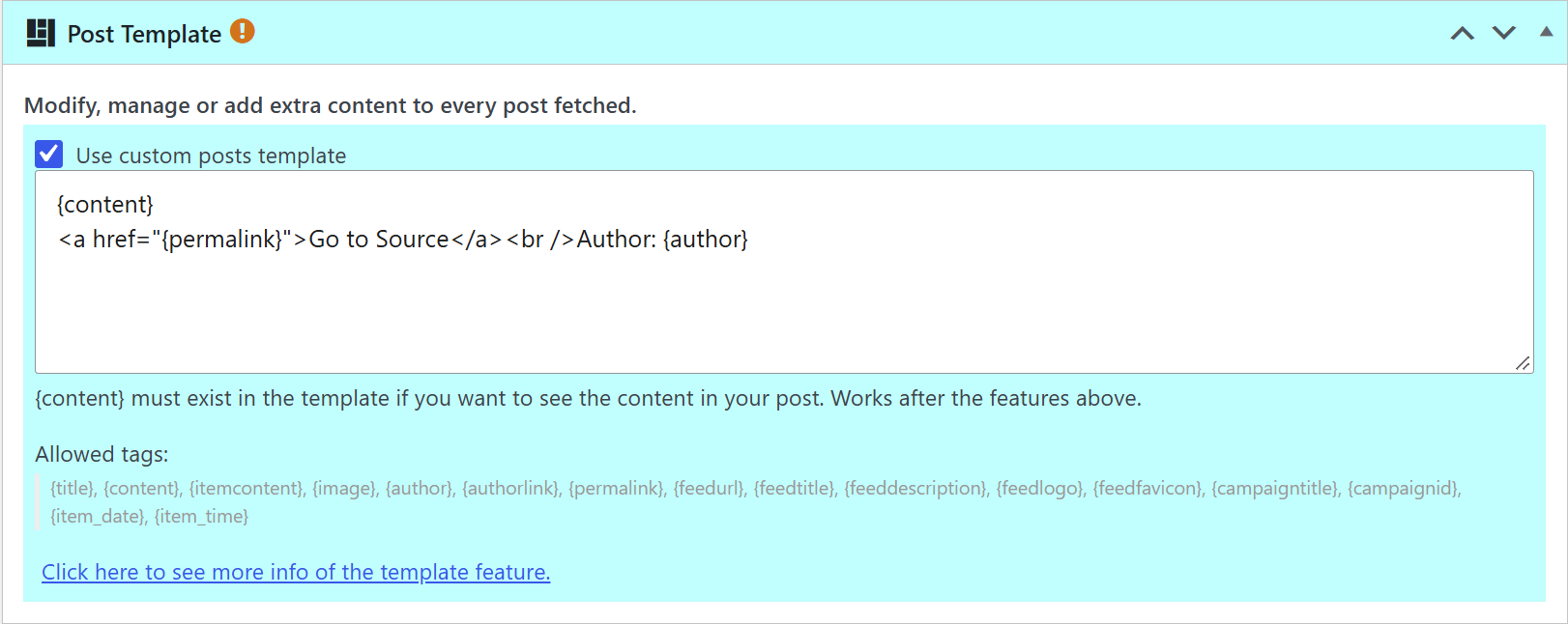
The Post Template of a campaign is applied only when a post is created. When the campaign runs, WPeMatico takes the content of each new feed item, applies the template and saves the result as the content of the post. From then on, the post is an ordinary WordPress post: it is not linked to the template anymore.
That is why changing the template does not change the posts that were already published. The new template is used only for the posts that the campaign creates from then on.
What About the Posts Already Published?
- Edit them by hand: if there are only a few, open each post and add the new text directly in the editor.
- Fetch them again: delete the posts and let the campaign create them again with the new template. The duplicate controls of WPeMatico remember the items already fetched, so you may need to clear them first. See How to control duplicate posts?
Note: A feed only includes its most recent items, so the items that are no longer in the feed cannot be fetched again.
Tips
- Test a new template with a small campaign, or with Max items to create on each fetch set to
1, before using it in your main campaigns. - The template is applied after the other content options of the campaign that appear above it in the editor.
- To learn how to write templates, see How to use Post template feature inside campaign editing?


