This tutorial describes and explains how to set up WPeMatico Publish 2 Email addon, available here.
Publish 2 Email allows to use WPeMatico from a WordPress website to send the read posts from each campaign to an email account.
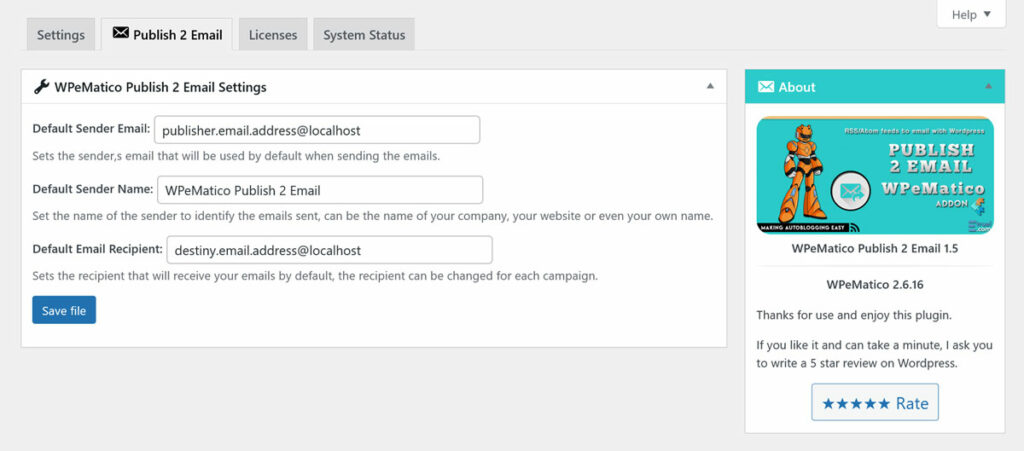
Set a Default Sender and Recipient Email
Go to WPeMatico → Settings → Publish 2 Email tab.
You can set a default sender email address that will be used by default when sending emails, and also the recipient who will receive your emails.