

When the Add auto Categories option of a campaign is enabled, WPeMatico creates the categories of each feed item that do not exist on your site yet. By default, it gives each new category a description saying that it was added automatically by WPeMatico. You can remove that text or replace it with your own.
Go to WPeMatico → Settings → Advanced and, in the Advanced Actions box, turn on Disable “Auto-Category description”. Then click Save settings.
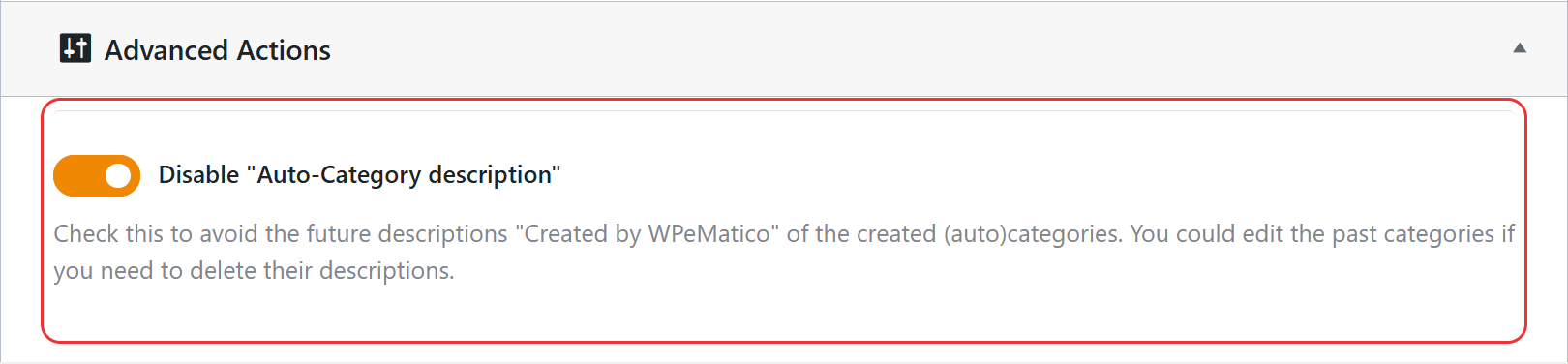
From then on, the categories that WPeMatico creates will have no description.
Note: The option only affects the categories created from now on. To change the description of the categories that already exist, edit them in Posts → Categories.
To use a different text, add this code to the functions.php file of your child theme, or with a code snippets plugin:
add_filter( 'wpematico_addcat_description', 'my_category_description', 10, 2 );
function my_category_description( $description, $category_name ) {
	return 'News about ' . $category_name;
}
The filter receives the default description and the name of the new category, so you can build a text for each category, like News about Sports.
Note: If you are not used to editing code, make a backup first. A syntax error in functions.php can break your site.
- In the Campaign Categories box of each campaign, Parent category to auto categories creates all the automatic categories as children of the category you choose.
- If you do not want new categories at all, uncheck Add auto Categories in the campaign and select the categories you want for its posts.


