

With the Post title links to source option, the links to the posts created by a campaign point to the original article on the source site instead of the post on your own site. Your visitors see the post in your lists, but when they click its title they go straight to the original page.
Edit the campaign and, in the Options for this campaign box, check Post title links to source. Then save the campaign.
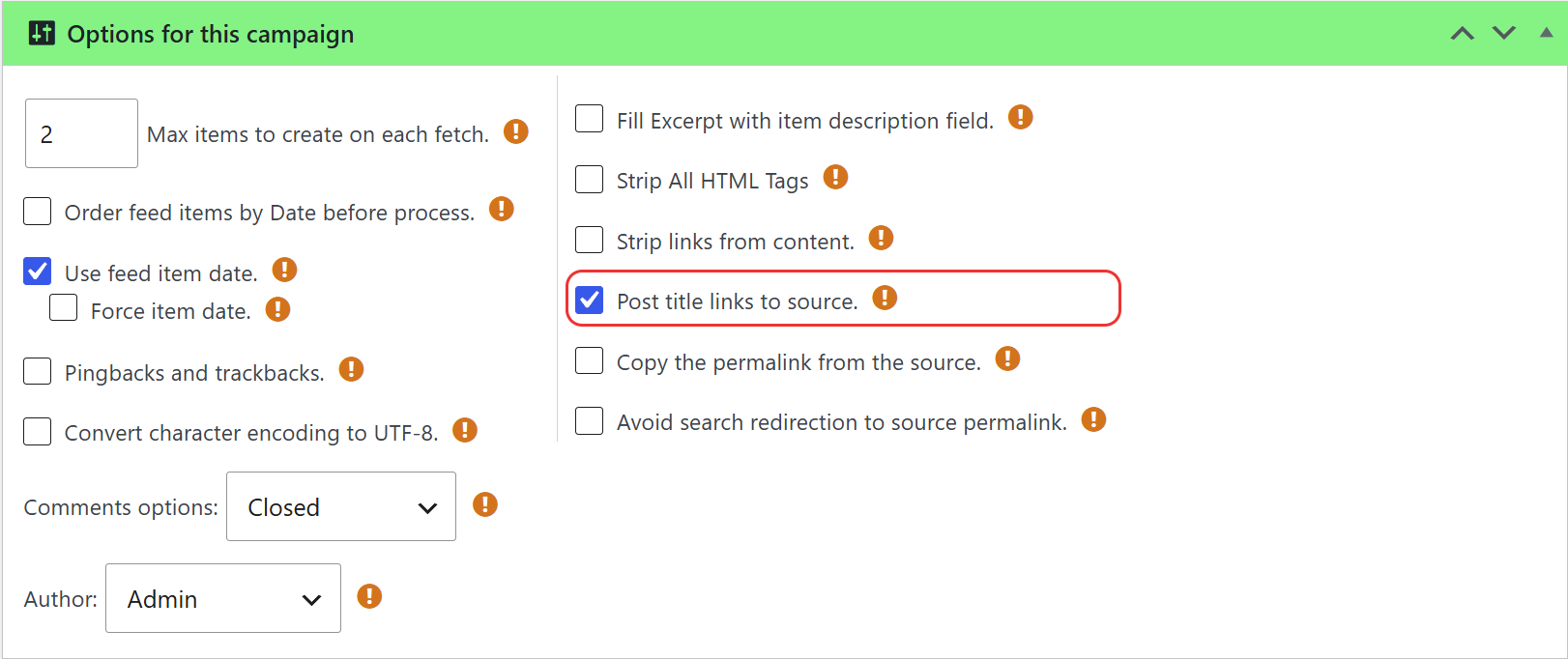
The change applies to every post of the campaign that has the source link saved, including the posts that were already published, because WPeMatico replaces the link when the page is displayed.
- The post titles in your home page, archives, categories and search results.
- The Read more links, because they use the same permalink.
The post itself is not deleted or changed: it remains on your site and you can still open it from the admin panel.
- To keep the posts on your site but tell search engines where the original content is, use the canonical URL instead. See How to use Canonical URL to Source site.
- To show a link to the source and the name of the author inside each post, see How can I include the original source and the author’s name in every post?
If the titles still open the posts on your site, see Post Title Links to Source isn’t working?


