

WPeMatico can set the canonical URL of each imported post to the address of the original article. The canonical URL tells search engines which page is the original, so your copy is not considered duplicate content and the source gets the credit.
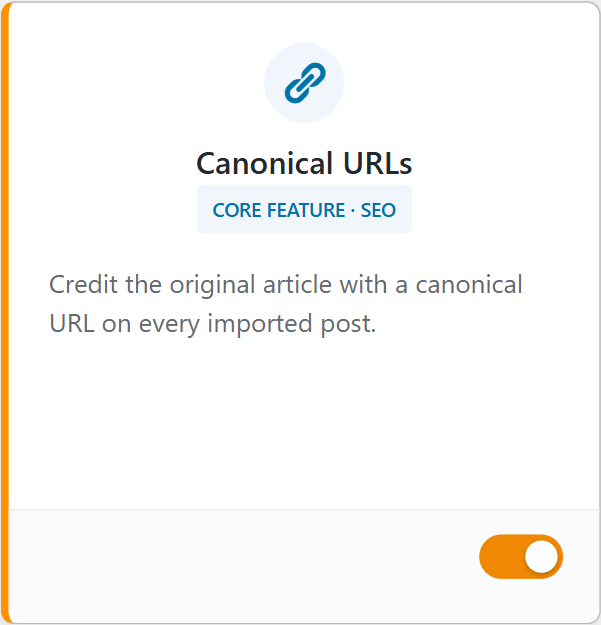
The quickest way is from the Dashboard: go to WPeMatico → Dashboard, find the Canonical URLs card and turn on its switch.
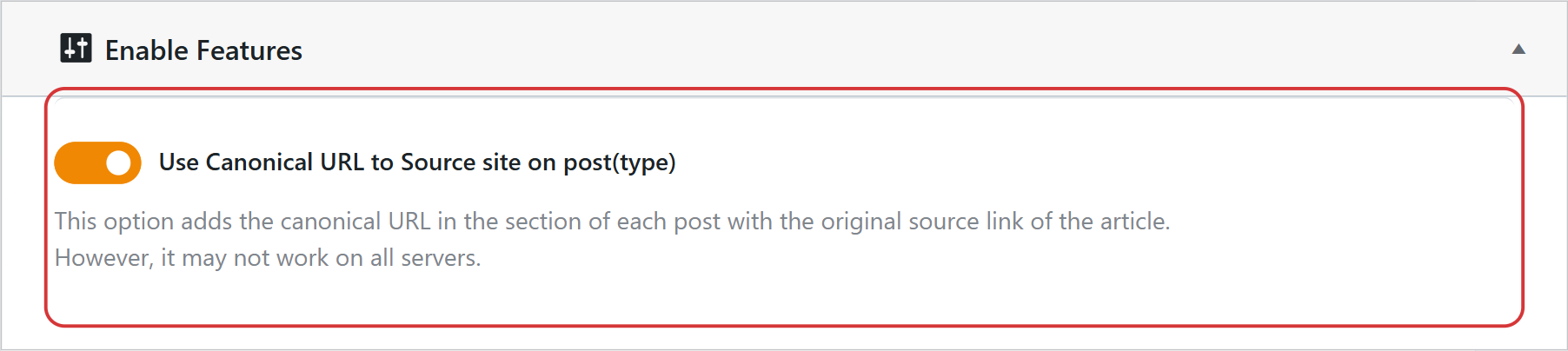
You can also do it from WPeMatico → Settings → Advanced: in the Enable Features box, turn on Use Canonical URL to Source site on post(type) and click Save settings. Both switches are the same setting. In new installations it’s enabled by default.
From then on, the posts created by WPeMatico use the address of the source article as canonical URL, through the standard WordPress function.
Note: If you use an SEO plugin that prints its own canonical URL, like Yoast SEO, Rank Math or The SEO Framework, the canonical of the SEO plugin is the one that counts. See the next section.
The Professional add-on adds the Canonical Advanced Options box to each campaign:
- Disable Canonical URL for this post — the posts of this campaign keep the address of your own site as canonical.
- Disable WP SEO function for canonical — appears when Yoast SEO, Rank Math or The SEO Framework is active. It makes the SEO plugin use the address of the source article as canonical URL for the posts of this campaign.

- Search engines know which is the original article, so your site is not penalized for duplicate content.
- The source site gets the credit for its content.
- You can choose, campaign by campaign, which posts point to the source and which ones to your own site.


