

The free WPeMatico RSS Feed Reader add-on shows the items of a feed on your site without creating posts. The items are read and displayed in real time, so your database doesn’t grow with every item.
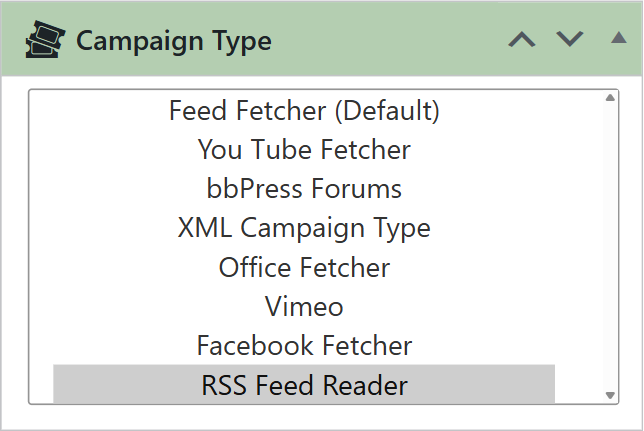
Create a campaign, or use one that already has your feed, and choose RSS Feed Reader in the Campaign Type box.
- get_the_content() WordPress filter: choose a post, page or custom post type, and the items are shown in its content.
- RSS Page Template: only for pages. Choose the page and the template that shows the items.
- Shortcode: the campaign gets a shortcode with its slug, like
[wpematico-your-campaign-slug]. Paste it in any page, post or widget.
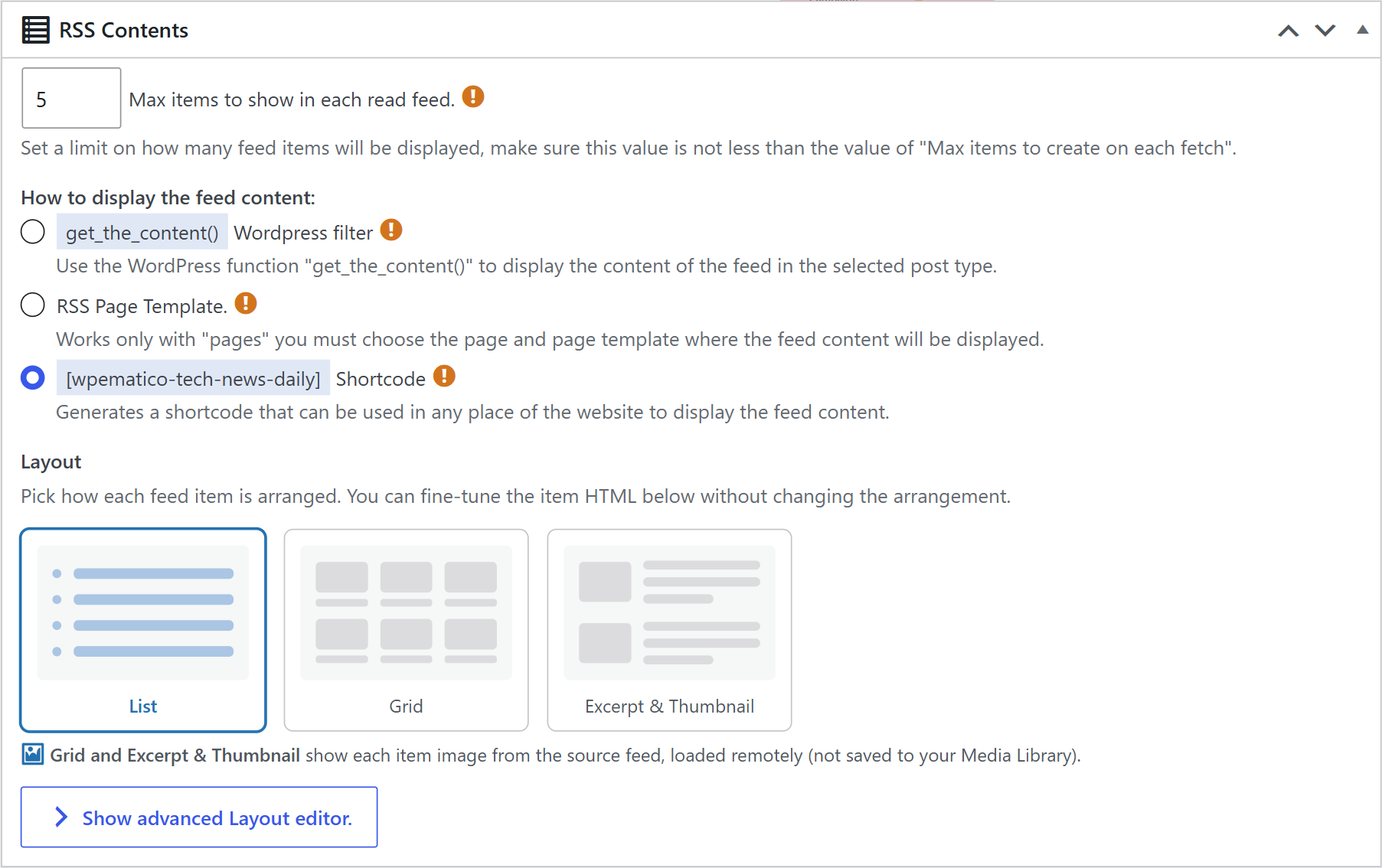
Set Max items to show in each read feed. Make sure it’s not lower than Max items to create on each fetch in the campaign options.
In Layout, choose List, Grid or Excerpt & Thumbnail. Grid and Excerpt & Thumbnail show the image of each item from the source feed, loaded remotely, without saving it to your Media Library. To change the HTML of each item, click Show advanced Layout editor and edit the Item template, without removing the variables that insert the content.
That’s it: the items of the feed now appear on your site, always up to date, without new posts in your database.


