

The XML Campaign Type of WPeMatico imports content from any XML file, not only from RSS feeds, and creates posts (or any post type) with it. You tell WPeMatico which element of the XML is the title, which one is the content, and so on.
- Go to WPeMatico → Campaigns → Add New and, in the Campaign Type box, choose XML Campaign Type.
- In the XML Campaign Type box, paste the address of the file in URL of XML.
- Click Check data. WPeMatico reads the file and lists its elements.
Note: Each campaign uses one XML URL. If the file is a regular RSS feed, WPeMatico tells you to use the Feed Fetcher campaign type instead.
In the Properties table, choose in Elements of XML the node that holds each property: Post title, Post content, Post permalink, Post date and Post image.
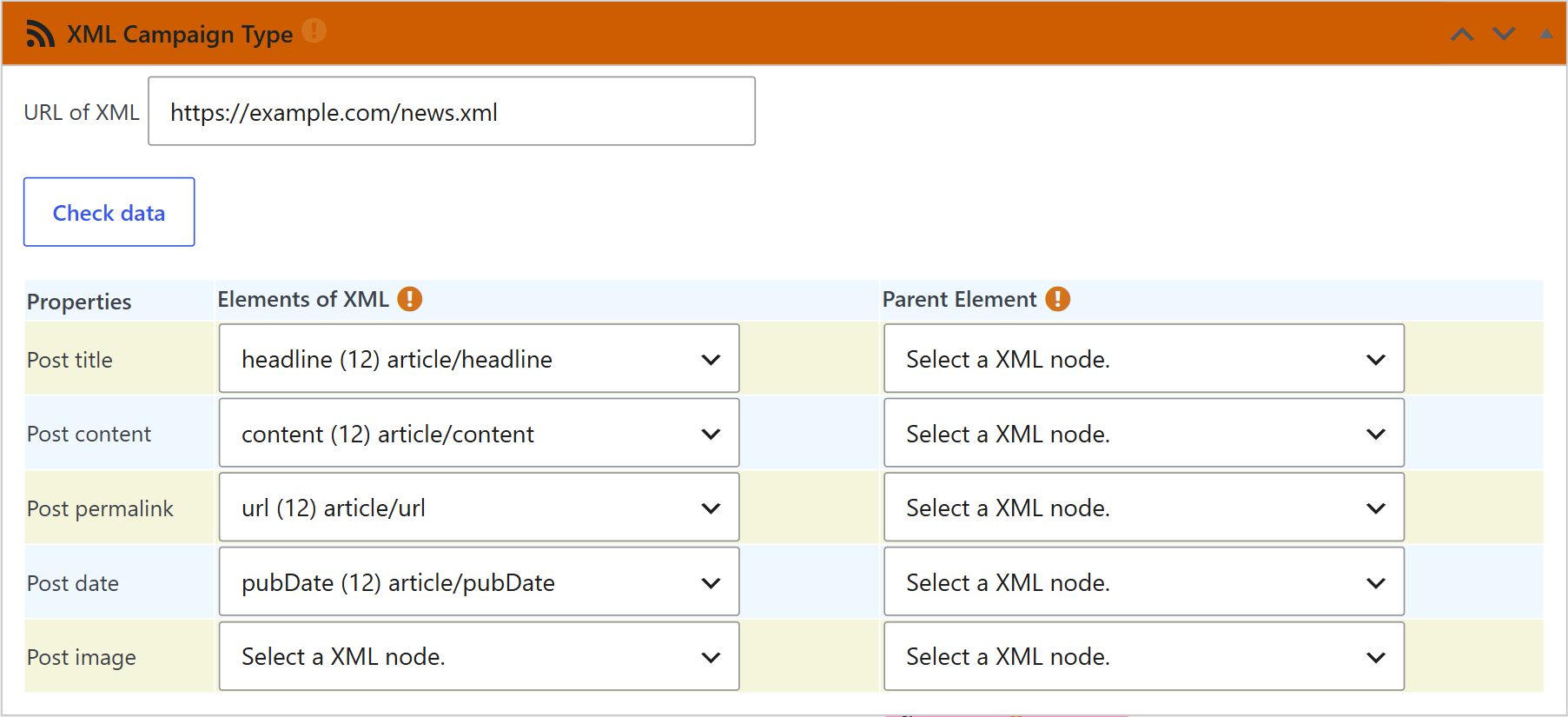
If the node you choose is not unique, or appears more than once in each item, use the Parent Element column to tell WPeMatico which parent it belongs to. The parent element must be the parent of the selected node and unique in each item.
Then set up the rest of the campaign as usual and save it.
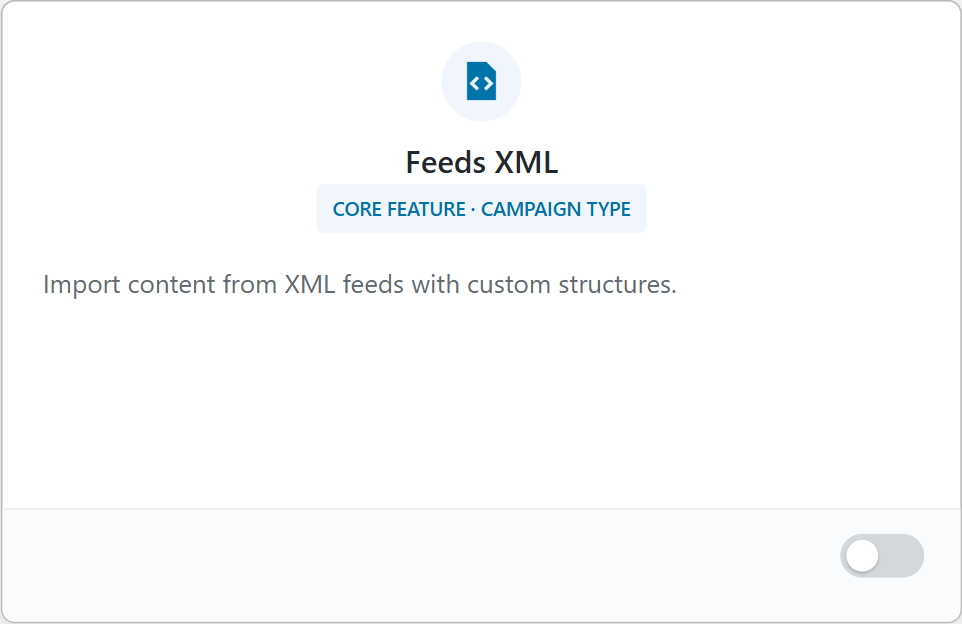
WordPress doesn’t accept XML files in the Media Library by default. Turn on the Feeds XML card in WPeMatico → Dashboard to allow it. Then upload the file and use its URL in the campaign.
- WPeMatico Professional & XML Campaign Type
- WPeMatico Full Content & XML Campaign Type
- To import XML files from a folder of your server, see how to import XML from a folder with the Exporter add-on.


