

The XML Campaign Type of WPeMatico reads one XML file from a URL. The Exporter add-on adds two options to its box: read the file from a folder of your server, and take the newest file that matches a name format each time the campaign runs.
In the XML Campaign Type box, check Import XML from folder. The URL field becomes a path of your server: type the full path and the name of the file, and click Check data to confirm that it can be read.
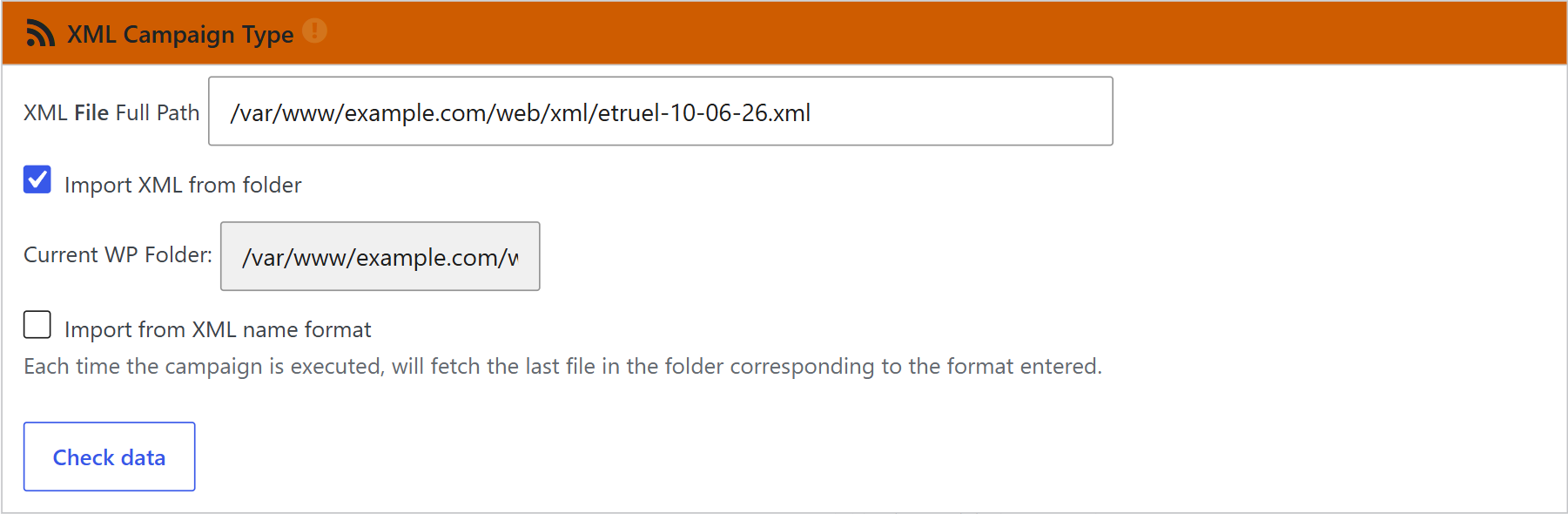
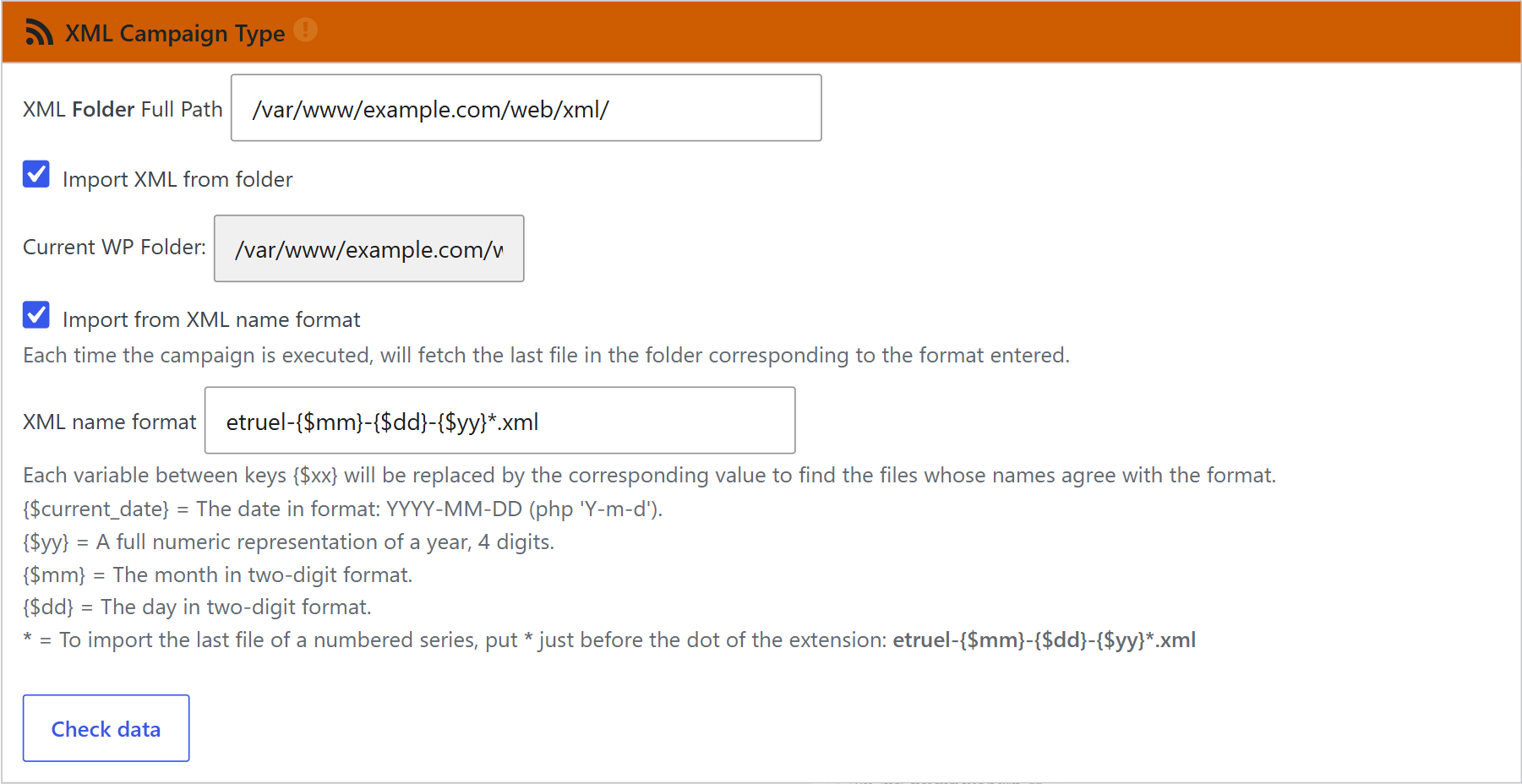
Also check Import from XML name format. Now the field above is the folder where the files are, and each run the campaign takes the newest file that matches the format. In the format, {$yy}, {$mm} and {$dd} become the year, month and day, and {$current_date} becomes all three.
IMPORTANT
- The path of the folder must end in /. For example:
/var/www/example.com/web/xml/ - To read files numbered in sequence (-1, -2, -3…), add a * just before the extension. For example:
etruel-{$mm}-{$dd}-{$yy}*.xml. The first file, without a number, must exist. - The files must have the current date, because that is what the format becomes on the day the campaign runs.
- The sequence can’t have holes: to read the file -10, the files -1 to -9 must be in the folder.
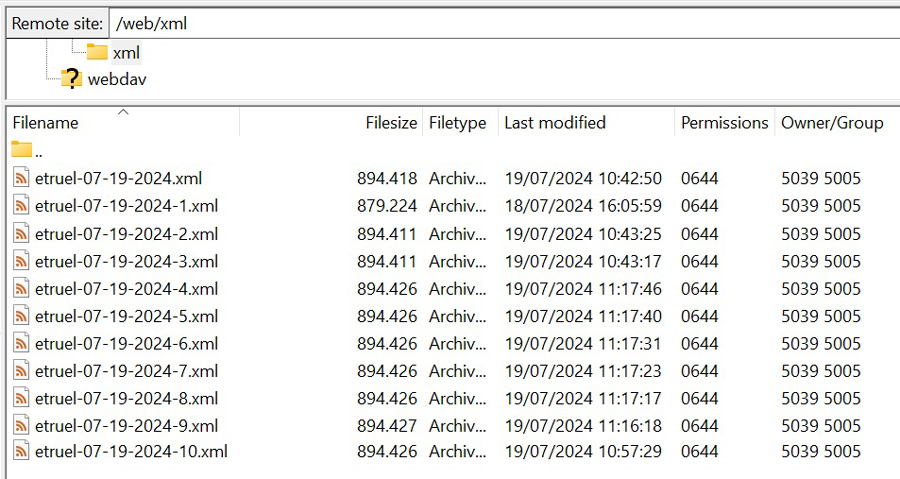
Tip: The default names are made to work together. An export campaign of the Exporter names its files etruel-{$dd}-{$mm}-{$yy}, and the XML campaign looks for etruel-{$mm}-{$dd}-{$yy}*.xml. One site exports the posts to a folder or by FTP, and a WPeMatico campaign picks up the files.
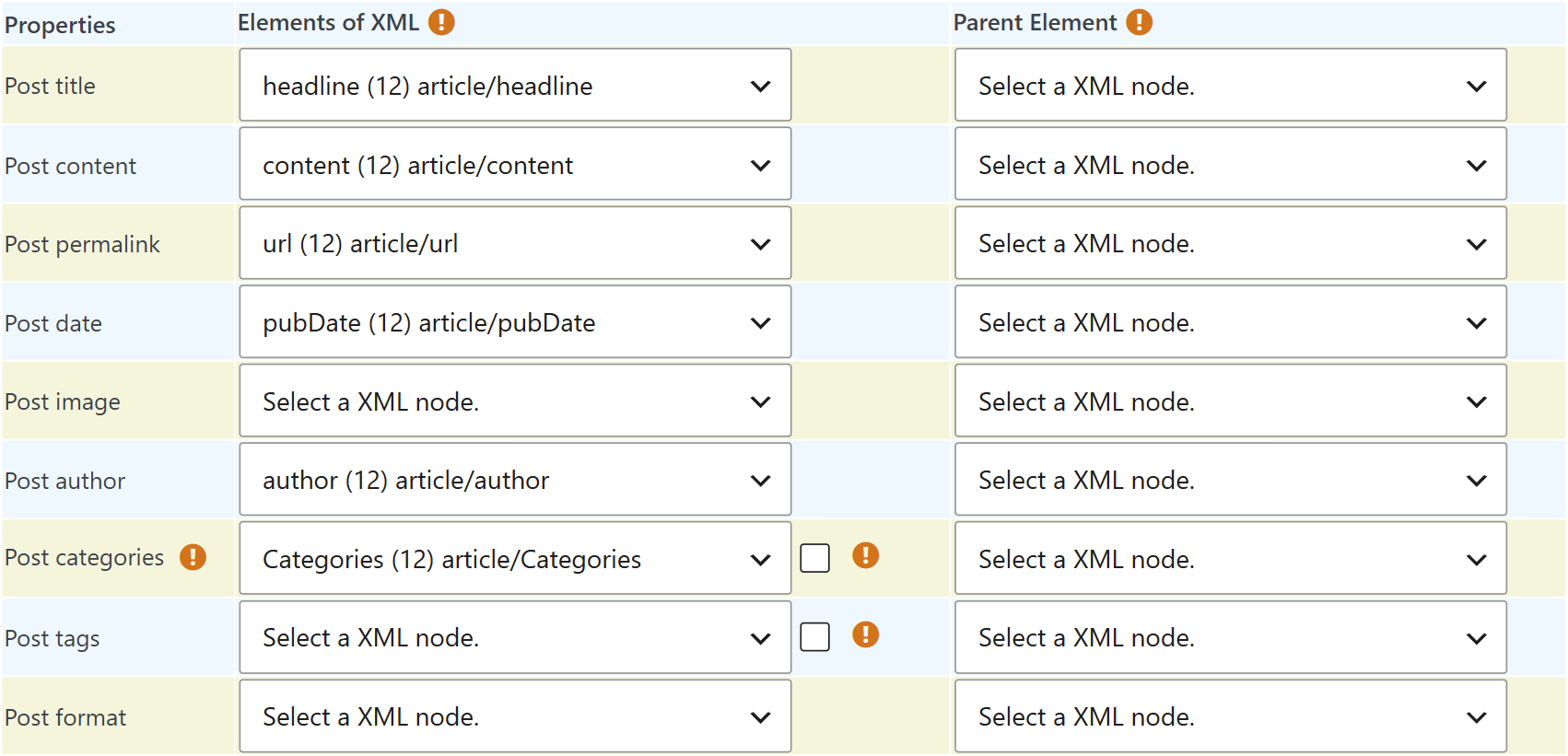
After Check data, select the XML node for each property of the items: title, content, permalink, date, image, author, categories and more. If a node name appears more than once in the file, select its Parent Element in the right column.
Note: These options need WPeMatico 2.9 or newer.


