

The Rewrite options of a campaign replace words or phrases of the imported posts with the text you choose. They do not support wildcards such as * or ?, but you can get the same result, and much more, with regular expressions (RegEx).
The quickest way is from the Dashboard: go to WPeMatico → Dashboard, find the Rewrite Rules card and turn on its switch.
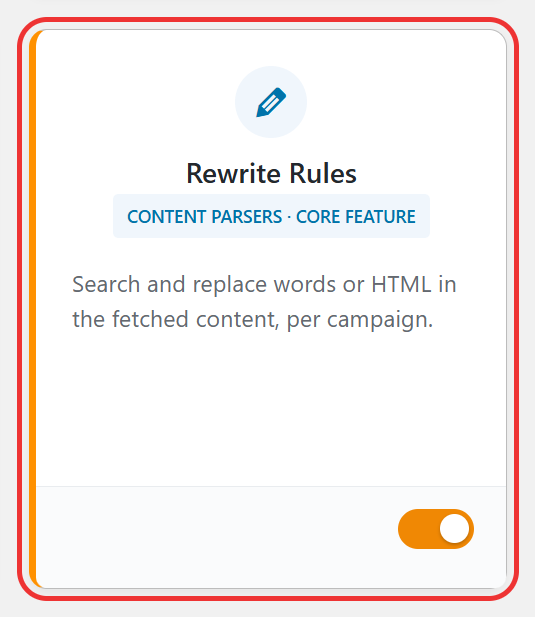
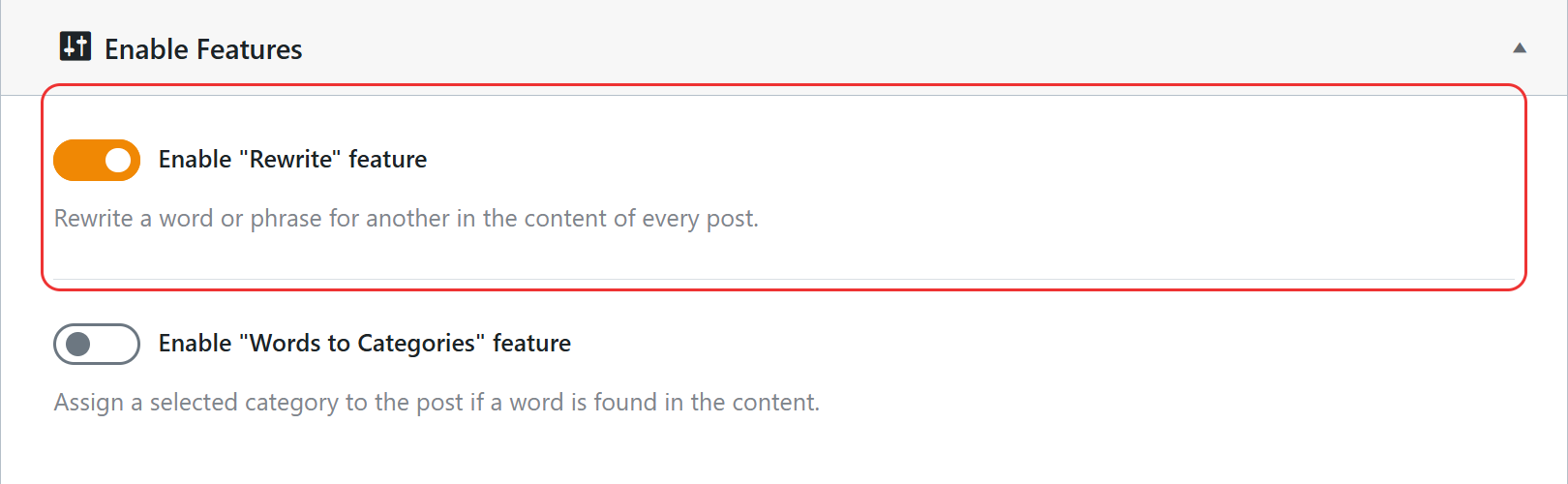
You can also do it from WPeMatico → Settings → Advanced: in the Enable Features box, turn on Enable “Rewrite” feature and click Save settings. Both switches are the same setting, so changing one also changes the other.
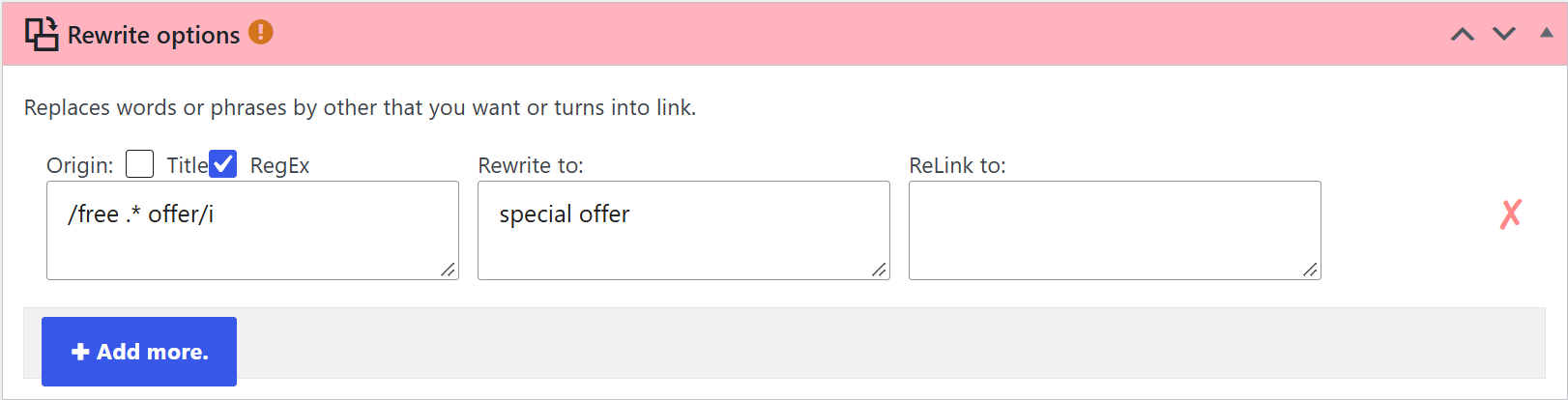
Edit the campaign and find the Rewrite options box. Each row has these fields:
- Origin — the text you want to find.
- Rewrite to — the text that replaces it. Leave it empty to remove the text.
- ReLink to — optional. A URL to turn the replacement into a link.
- Title — check it to replace only in the title of the post. Unchecked, the replacement is made only in the content. To change both, add two rows.
- RegEx — check it to use a regular expression in Origin.
Without RegEx, the text of Origin is searched exactly as you write it, without distinguishing uppercase and lowercase letters, so characters like * are taken literally.
Check RegEx and write the expression between delimiters, usually slashes. A few examples:
/(color|colour)/i— finds any of the two spellings of the word. Theiafter the last slash ignores uppercase and lowercase./free .* offer/i— finds “free”, any text, and “offer”, like a*wildcard./\d{4}-\d{2}-\d{2}/— finds dates like2026-10-02.
When you save the campaign, WPeMatico checks every expression and shows an error if one of them is not valid, so you can fix it before the campaign runs.
Note: The rewrites only apply to the posts created from then on. Test your expressions with a few items before using them in all your campaigns.
- The Help tab at the top right of the campaign editor includes more examples of rewrites.
- PHP pattern syntax, the reference of the expressions you can use.
- PHP Live Regex, to test your expressions with a sample text before using them.


