

You can make every link in the posts created by WPeMatico open in a new browser tab with a single rewrite in your campaign. It adds the target="_blank" attribute to all the links in the content.
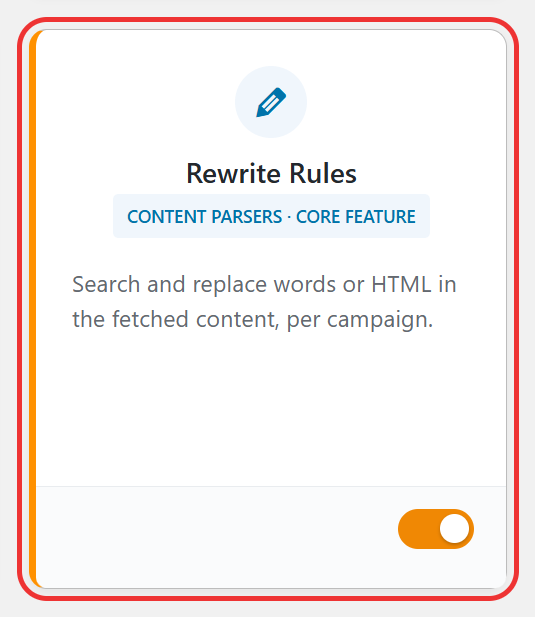
Go to WPeMatico → Dashboard, find the Rewrite Rules card and turn on its switch.
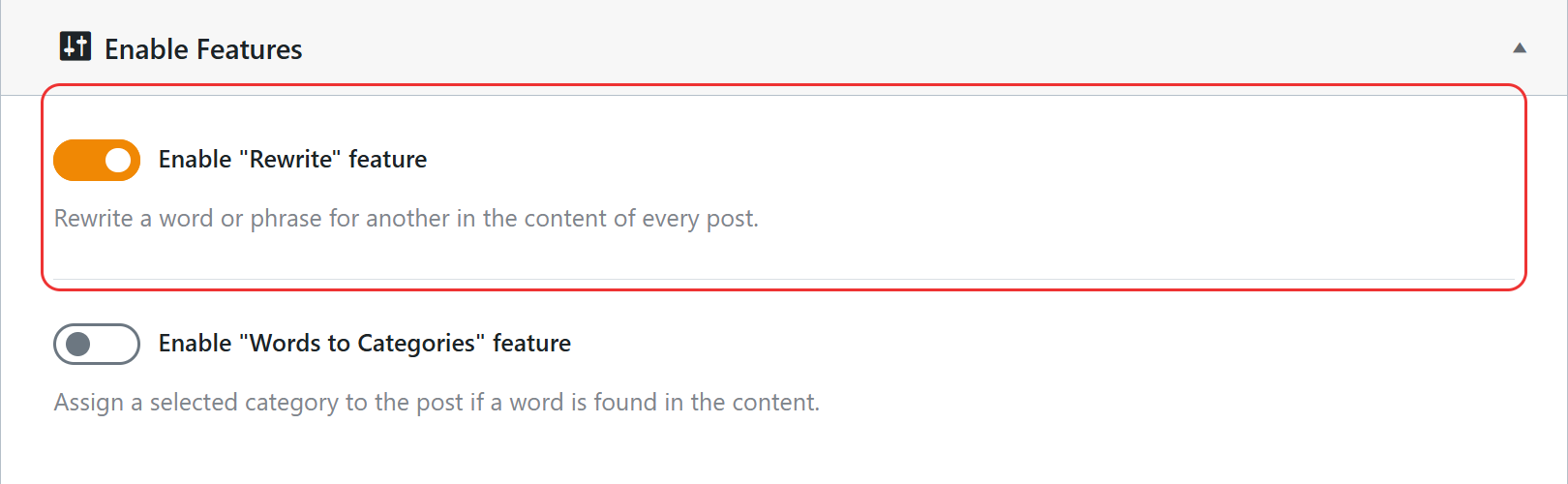
You can also do it from WPeMatico → Settings → Advanced: in the Enable Features box, turn on Enable “Rewrite” feature and click Save settings.
- Edit the campaign and find the Rewrite options box.
- In Origin, type:
/<a(?=\s)/i - In Rewrite to, type:
<a target="_blank" rel="noopener" - Check RegEx and leave Title unchecked, so the change is made in the content.
- Click Update to save the campaign.
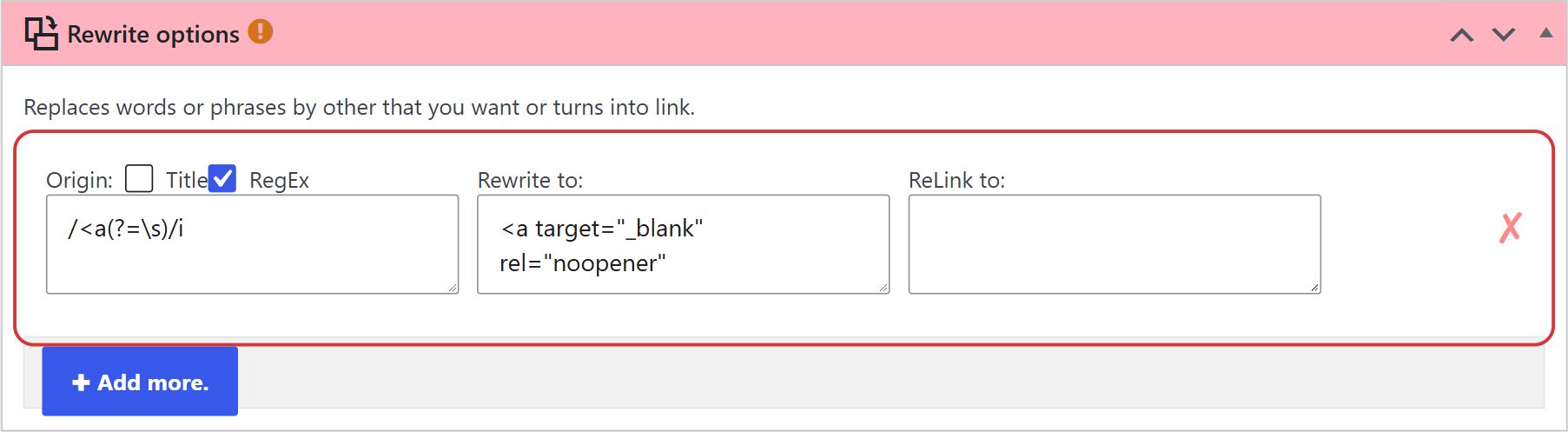
The expression finds the beginning of every link tag, so a link like <a href="https://example.com"> becomes <a target="_blank" rel="noopener" href="https://example.com">. The rel="noopener" attribute is a good practice for security when links open in a new tab.
Note: The rewrite applies to the posts created from then on. Posts already published keep their links as they were.


