

The Full Content add-on also works with the XML Campaign Type: for each item of the XML file, it goes to the original article and gets the complete content from the website.
What It Needs
- In the XML Campaign Type box, match the Post permalink property with the element of the XML that holds the link to each article.
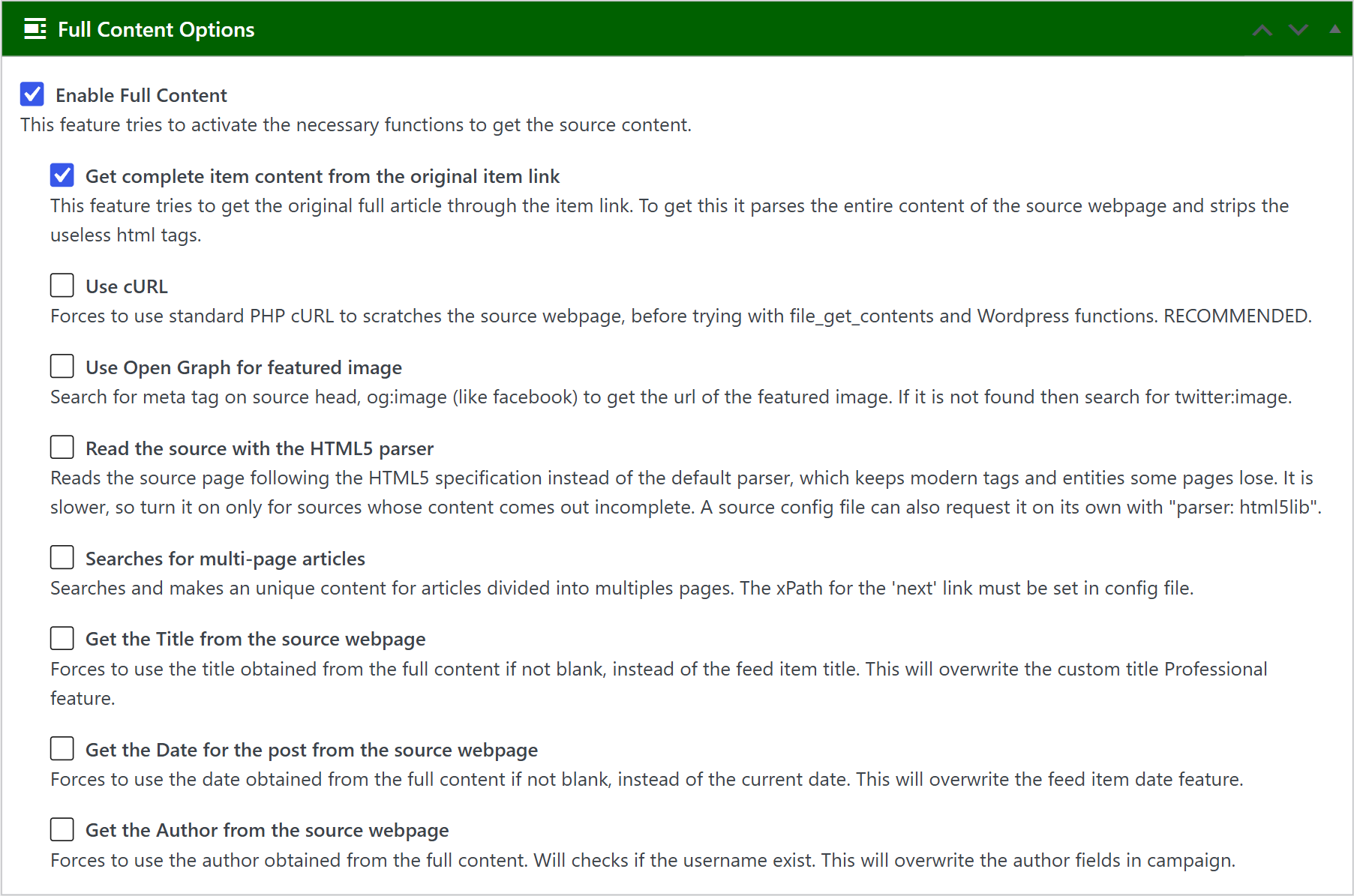
- In the Full Content Options box, check Enable Full Content and Get complete item content from the original item link. Then choose the other options you want, as in any other campaign.
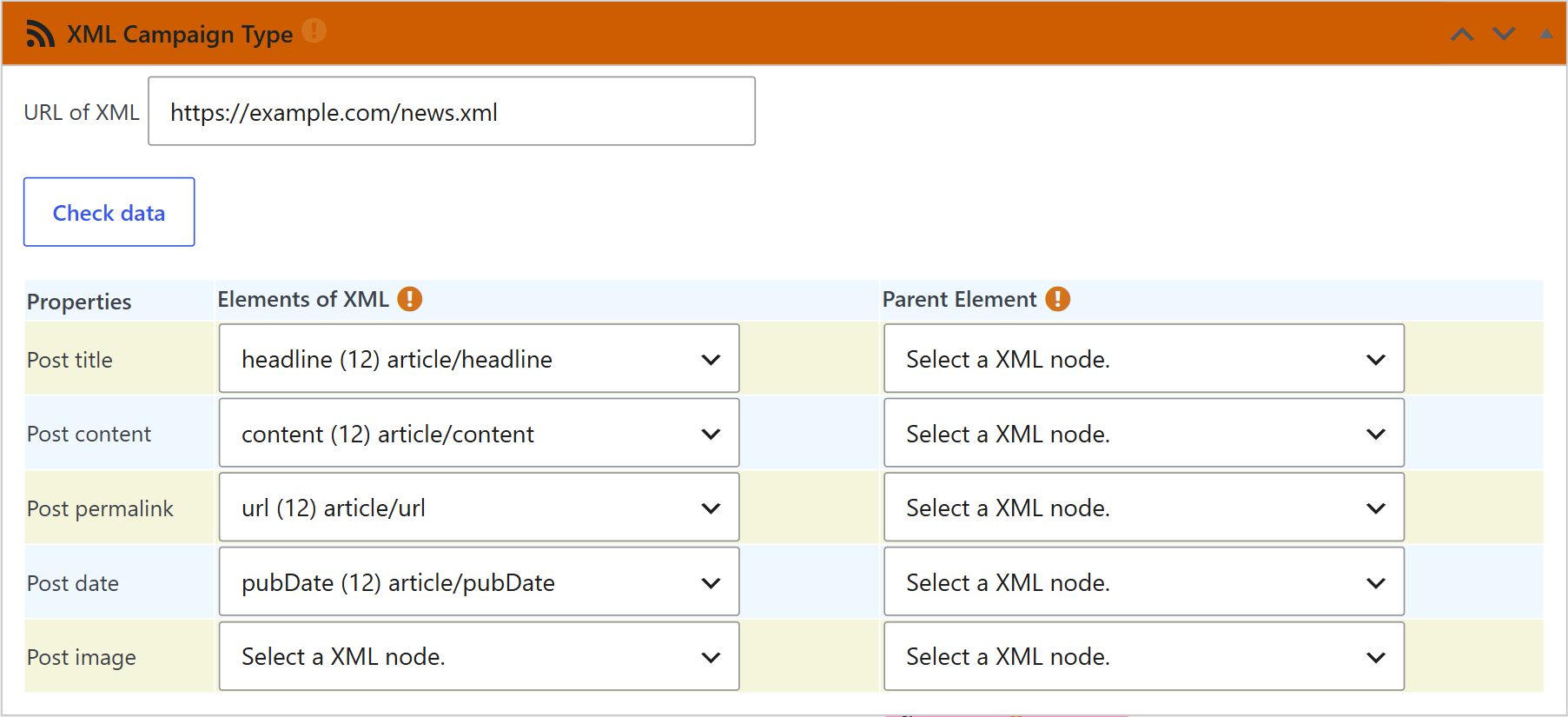
Note: If the XML file doesn’t include the link to each article, Full Content can’t get the complete content.
Related FAQs


