

The WPeMatico GPT Spinner add-on can rewrite the content of your campaigns with the Rewriter/Paraphraser/Text Changer API of RapidAPI. To use it, you need an API Key of RapidAPI. It takes a few minutes.
Each request can process up to 10,000 characters. As a reference, 1,000 characters are usually 200 to 400 words, so one request can rewrite 2,000 to 4,000 words.
Go to RapidAPI and sign up for a free account. You can use your email address or sign in with Google or GitHub.
Search for Rewriter/Paraphraser/Text Changer, or go directly to its page.
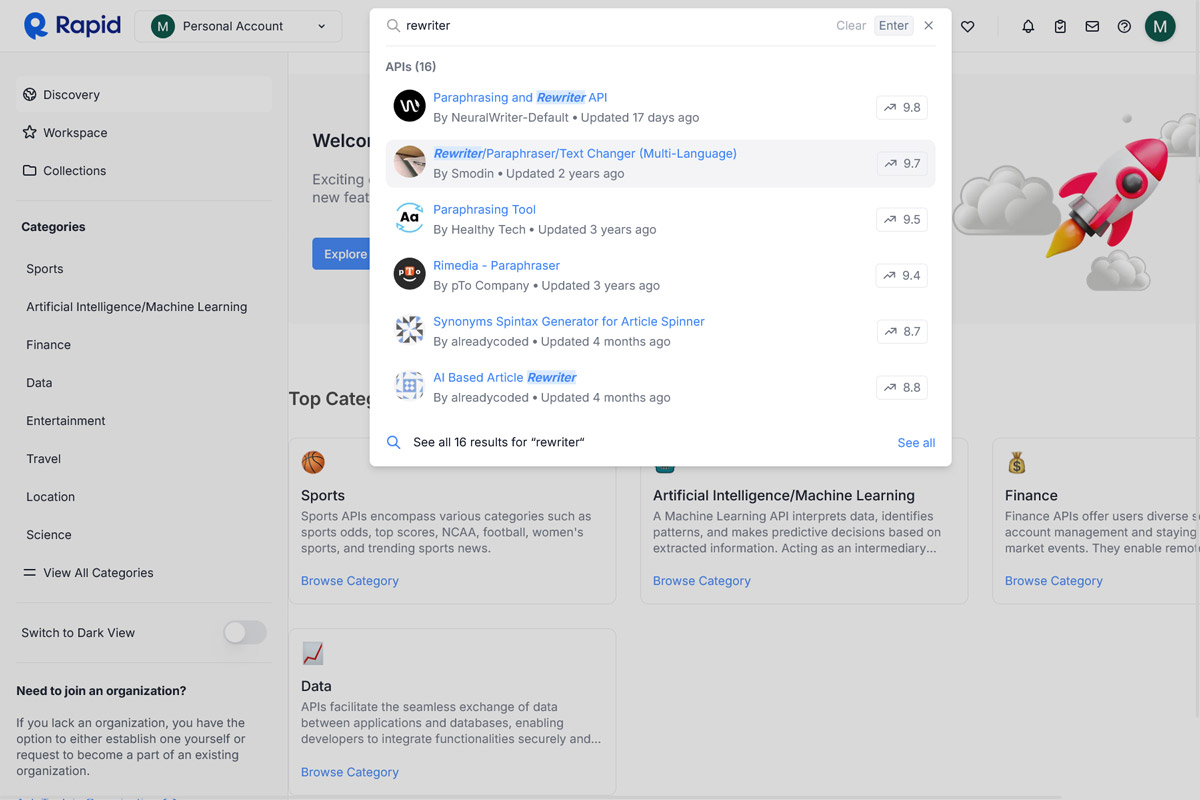
On the page of the API, open the pricing plans, choose the one that fits your needs, free or paid, and click Subscribe.
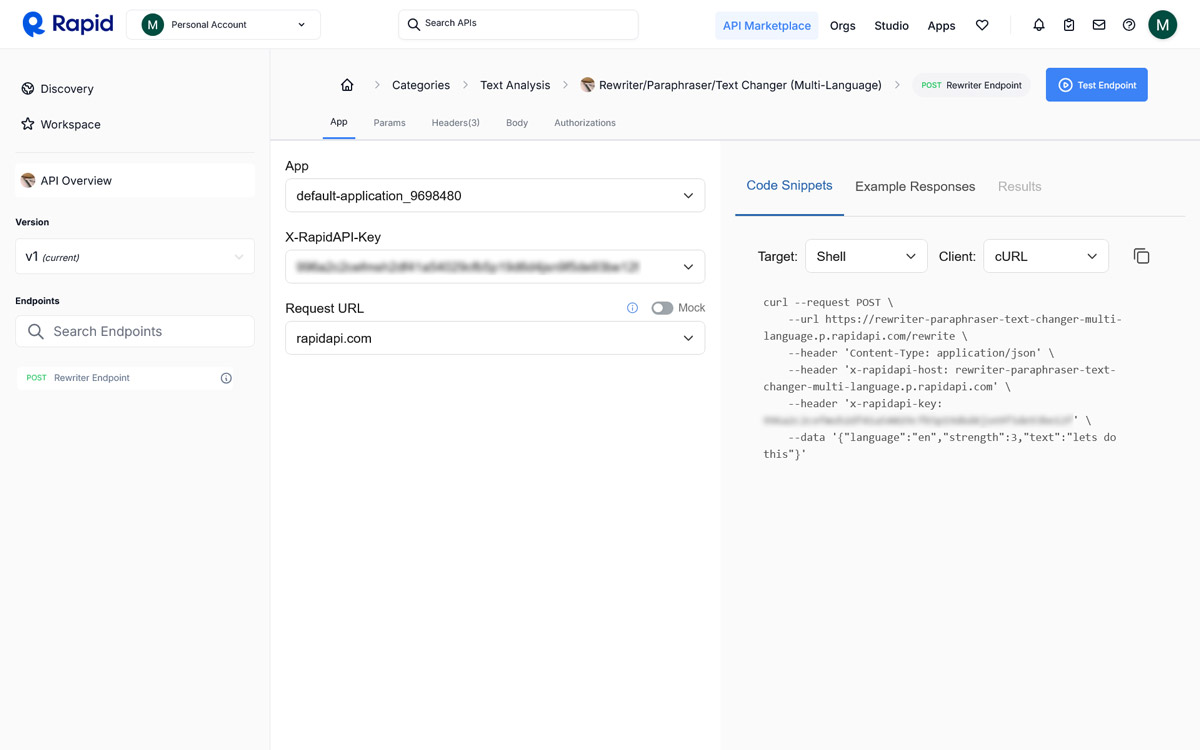
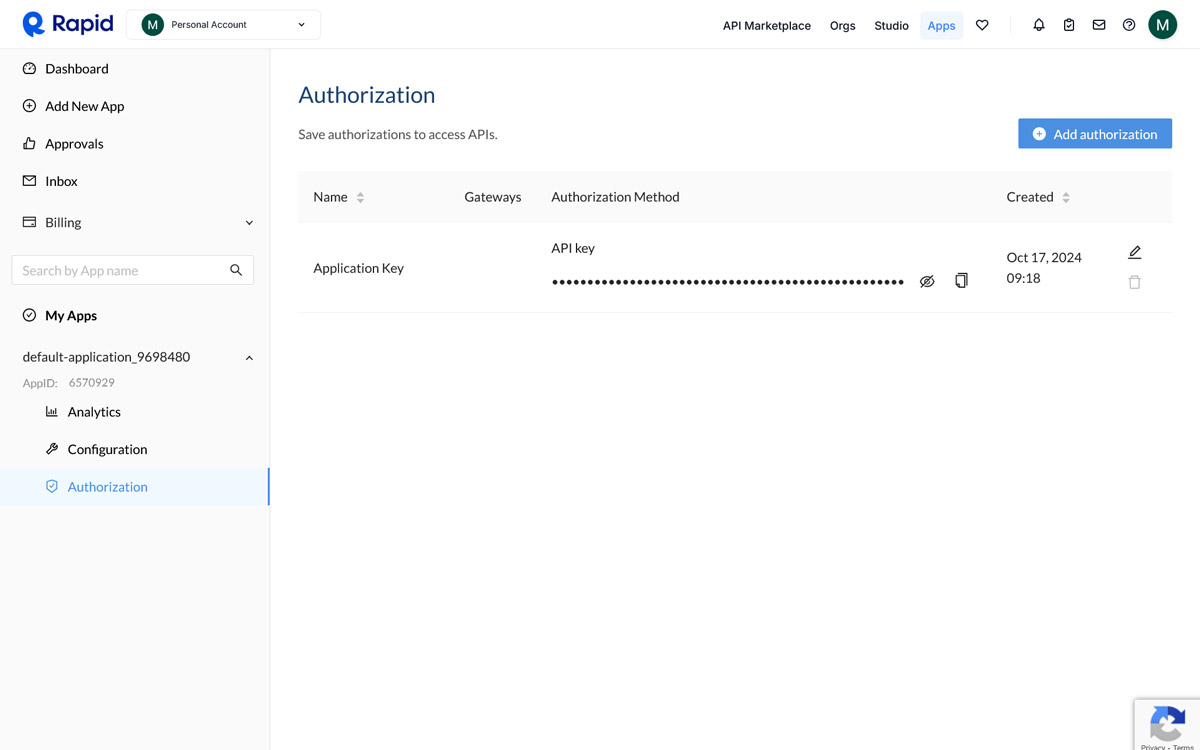
Go to the Apps tab, select your app, open Authorization and copy the API Key.
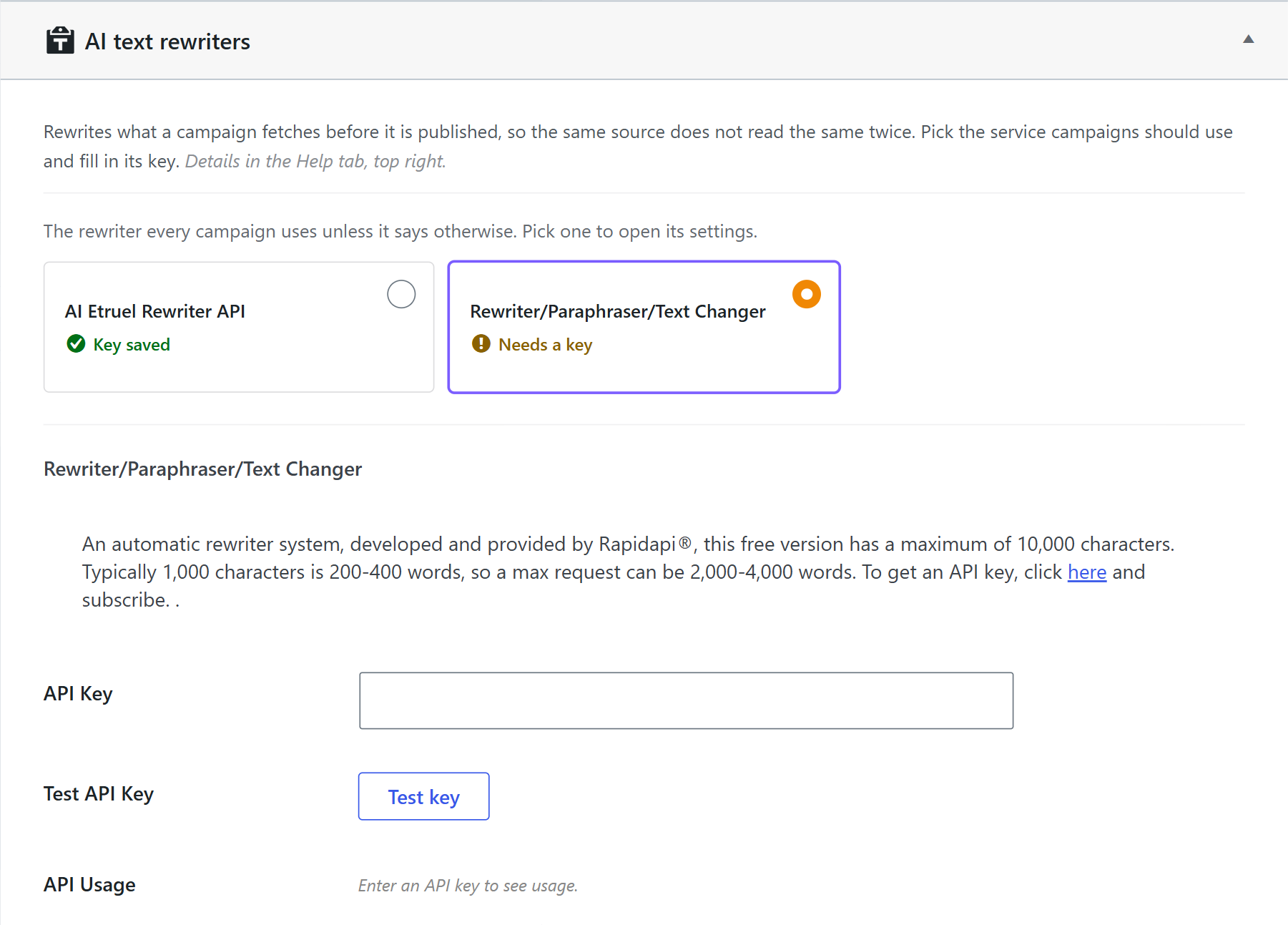
- In your WordPress dashboard, go to WPeMatico → Settings → GPT Spinner and open Rewrite Text.
- Select Rewriter/Paraphraser/Text Changer. The service you select is the one that every campaign uses, unless the campaign says otherwise.
- Paste the key in the API Key field and click Test key.
- Click Save settings.
That’s all. GPT Spinner now rewrites the content of your campaigns with this API.
Note: The same list has the AI Etruel Rewriter API, the rewriting service made by etruel for WPeMatico. See How to set the AI Etruel Rewriter API Key.
If you have problems, contact our support or read the documentation of RapidAPI:


