

Some websites add query variables to the address of their images, for example photo.jpg?w=800&h=600, to resize or track them. WPeMatico uses the end of that address to name the file it saves, so the extension becomes jpg?w=800&h=600, the file type is not recognized and the image is not uploaded to your site.
The Professional add-on can remove everything after the ? before downloading the image:
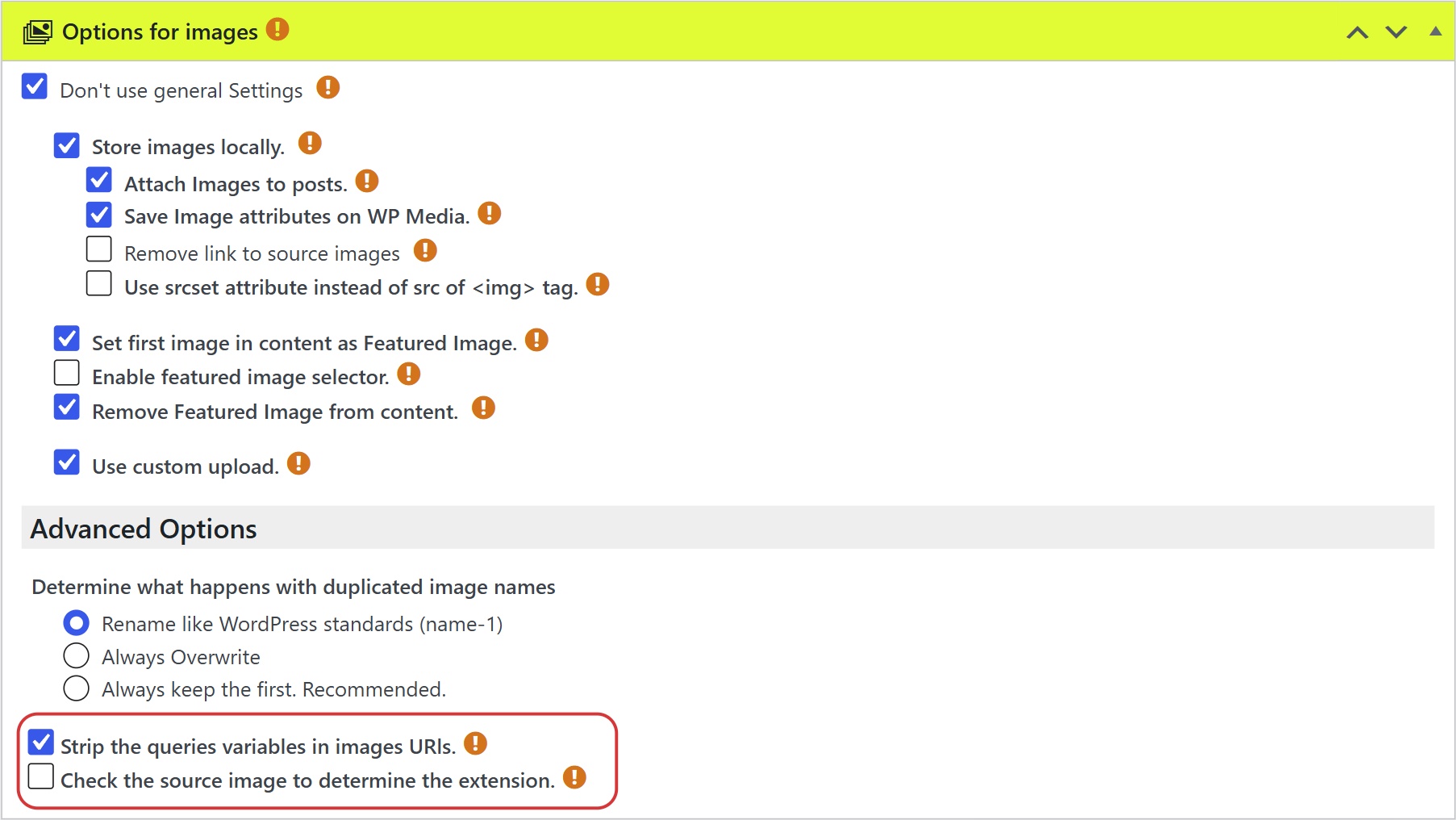
- Edit the campaign and go to the Options for images box.
- Under Advanced Options, check Strip the queries variables in images URls.
- Click Update to save the campaign.
With the example above, the image is downloaded from photo.jpg and saved with that name.
Note: Enable this option only in the campaigns that have this problem. Some websites need the query variables to deliver the image, and without them the download may fail.
If the image address has no file name at all, like image.php?id=125, check also Check the source image to determine the extension in the same section. WPeMatico asks the source website which type of image it is and saves it with the right extension, avoiding the WordPress error Extension not allowed.


