

The Professional add-on can delete a part of the content of each post that starts with a word or phrase, like “Read more”, “Related articles” or “Source:”. By default it deletes from that phrase to the end of the content. With Deletes till the end of the line it deletes only to the end of that sentence.
- Edit the campaign and go to the Custom Content Parsers box.
- In Phrases or keywords, write the phrases, one per line. Uppercase and lowercase don’t matter.
- Check Keep phrase if you want to keep the phrase and delete only what comes after it.
The first phrase of the list that is found in the content is used: everything from that phrase to the end of the content is deleted.
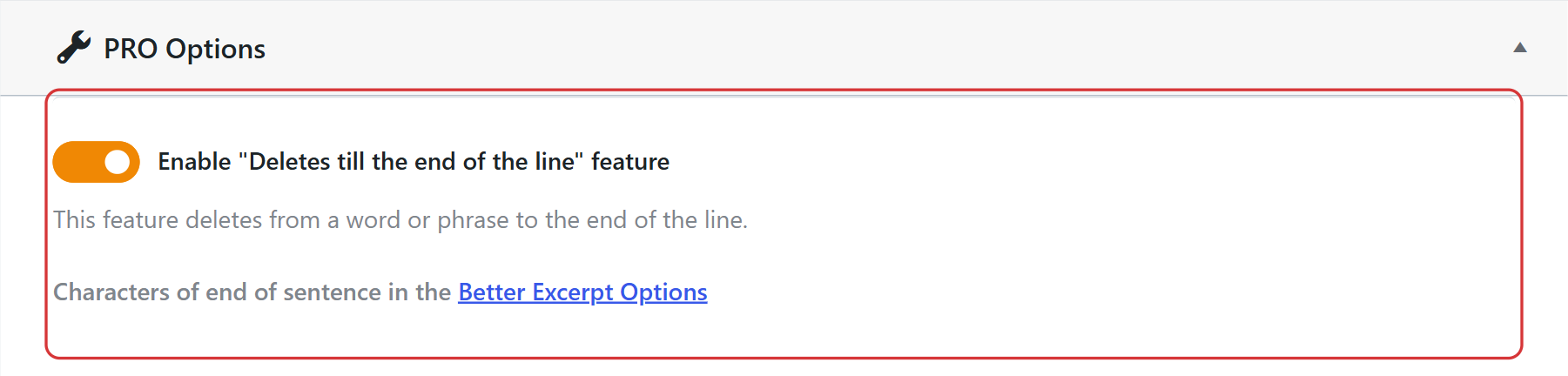
- Go to WPeMatico → Settings, open the Professional tab and turn on Enable “Deletes till the end of the line” feature.
- In Characters of end of sentence, write the characters that end a sentence, separated by spaces, for example
. ? !. Then save the settings.
If you also use the Better Excerpts add-on, this field is replaced by a link to the Better Excerpt Options, and the end of sentence characters set there are used.
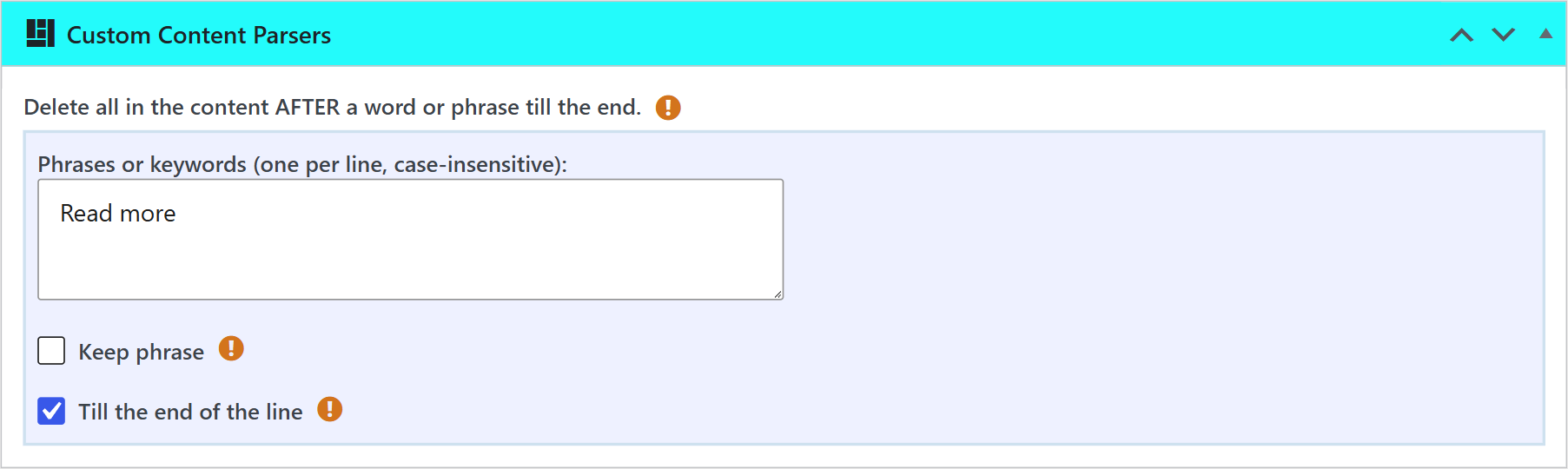
Now the same section of the Custom Content Parsers box has the Till the end of the line option. Check it, and the content is deleted from the phrase only to the next end of sentence. The rest of the content stays.
Note: With Till the end of the line, each phrase of the list is deleted where it first appears, and the end of sentence character stays. If there is no end of sentence after the phrase, nothing is deleted.


