

The Professional add-on extends the XML Campaign Type of WPeMatico: you can take more data from the XML file and use all the Professional options in the campaign.
More Properties From the XML
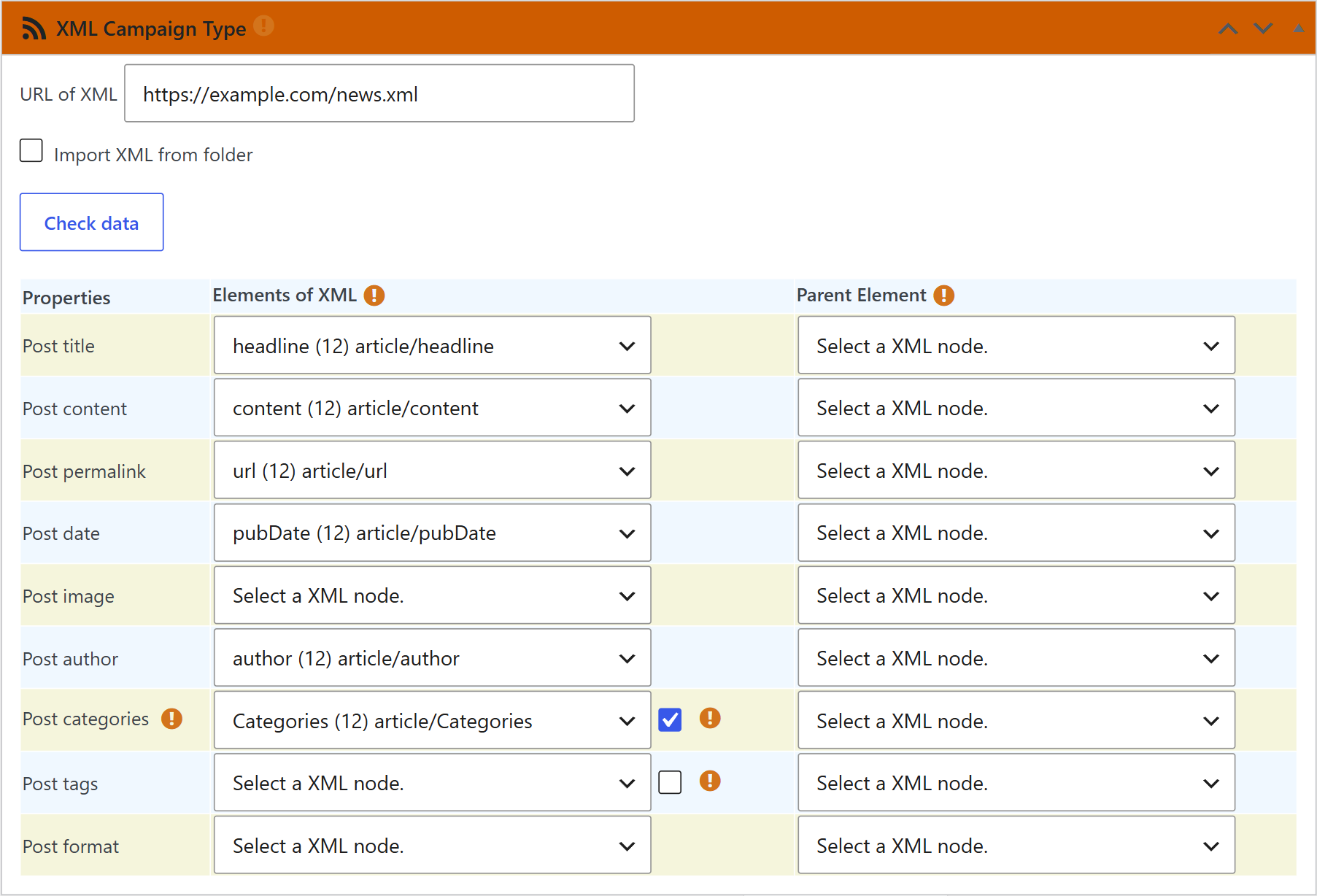
With Professional active, the Properties table of the XML Campaign Type box also lets you match these elements:
- The author of each post.
- The categories and the tags. If an element holds several of them in one line, separated by commas, check the box next to it to split them.
- The post format.
All the Professional Options
The XML campaigns work with the rest of the Professional features. Some examples:
- Custom Feed Tags to get the value of other tags of the XML.
- Strip query variables in image URLs to clean the addresses of the images.
- Custom Title to change the titles of the posts.
- Keyword Filters to skip the items that have, or don’t have, some words.
Related FAQs


