

The WPeMatico Exporter add-on takes the posts out of your WordPress site and saves them in files, automatically and on a schedule. Each export campaign chooses which posts go in, writes them with a template you control and puts the file in a folder of your server or sends it to another server by FTP, SFTP or SSH.
Go to Export Campaigns → Add New Export Campaign. Everything about one export is set in the campaign itself.
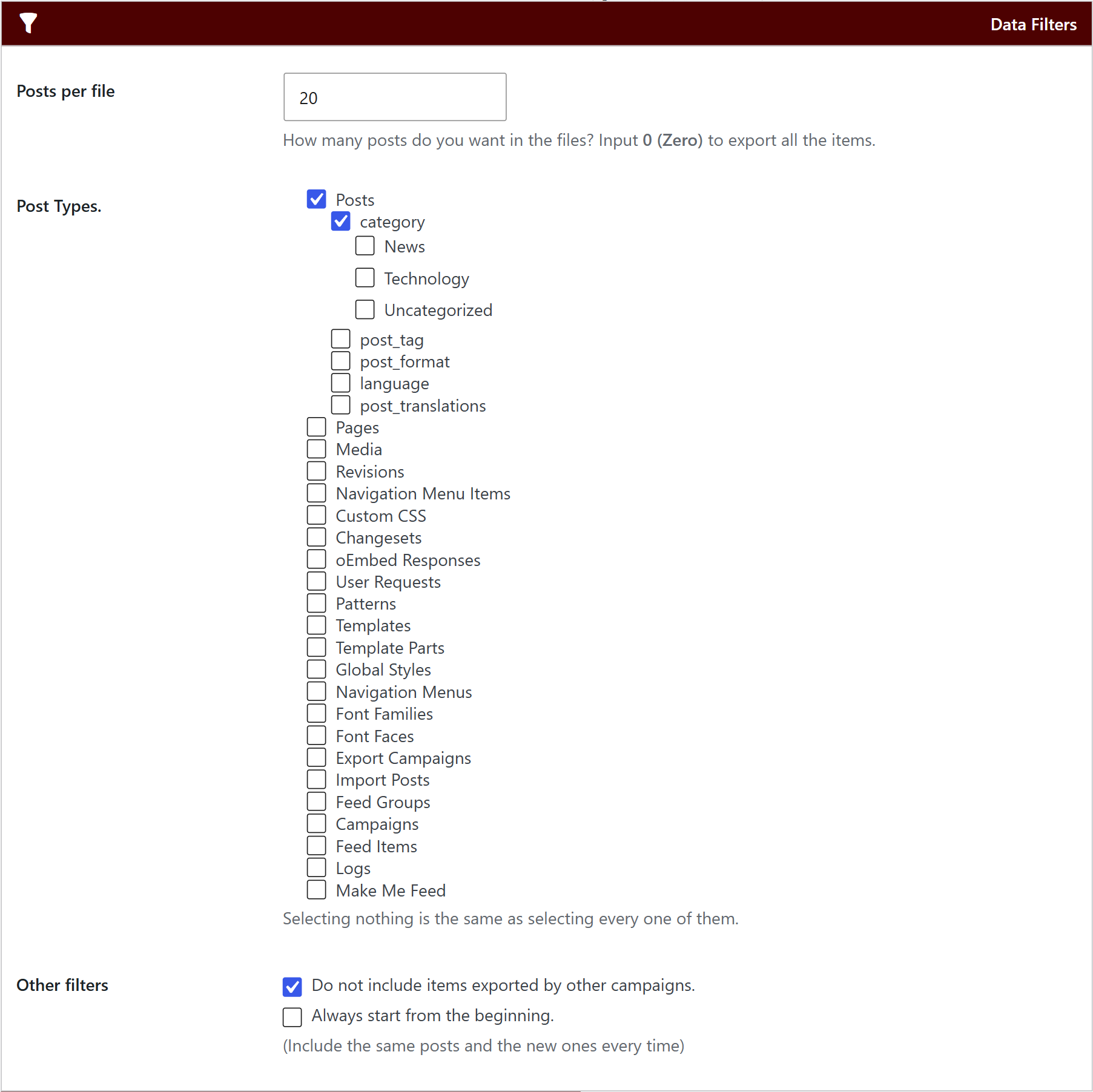
- Posts per file: how many posts each file has. Use 0 (zero) to export all of them.
- Post Types: posts, pages, media or any custom post type. Selecting none is the same as selecting all.
- Other filters: skip the posts that other campaigns already exported, or always start from the beginning to include the same posts and the new ones every time.
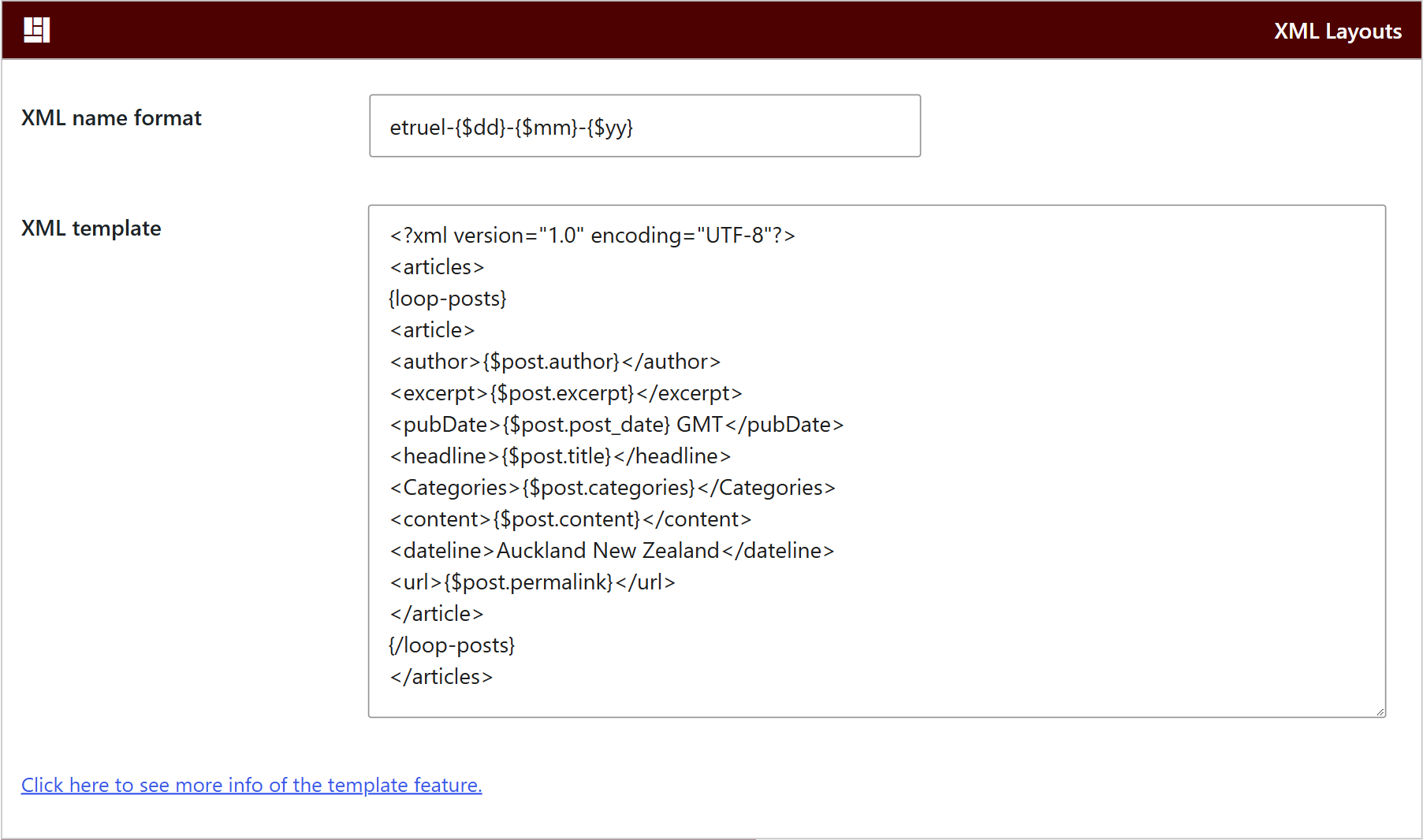
Set the XML name format of the files and the XML template. The template decides the format of the file, so it doesn’t have to be XML: the same field can produce JSON or CSV. Each campaign can have its own template.
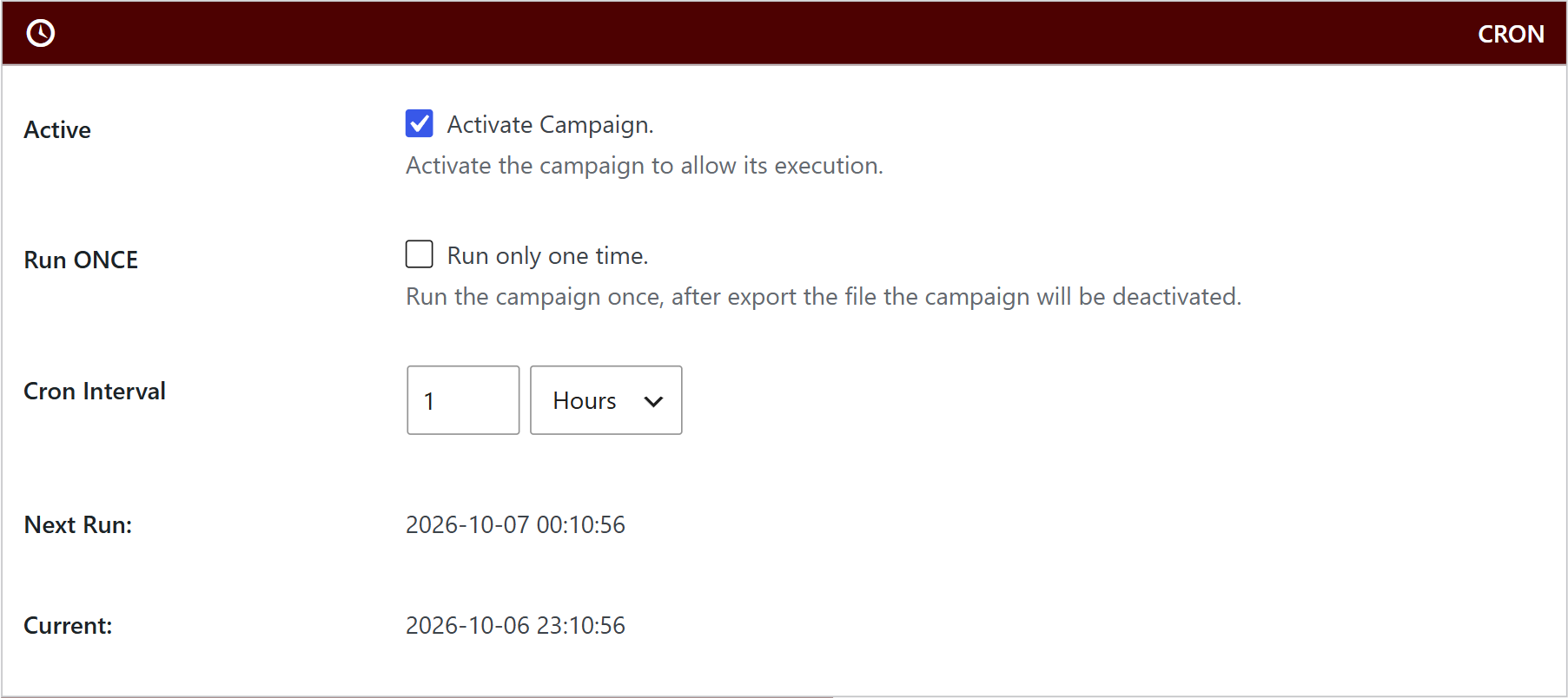
Check Active to let the campaign run, and set the Cron Interval in minutes, hours, days, weeks, months or years. Check Run ONCE if the campaign must export one file and then deactivate itself. Each run adds only the new posts.
The export can run with the WordPress cron or with an external cron of your server. Those options are in Export Campaigns → Settings, in the Cron and Scheduler Settings box.
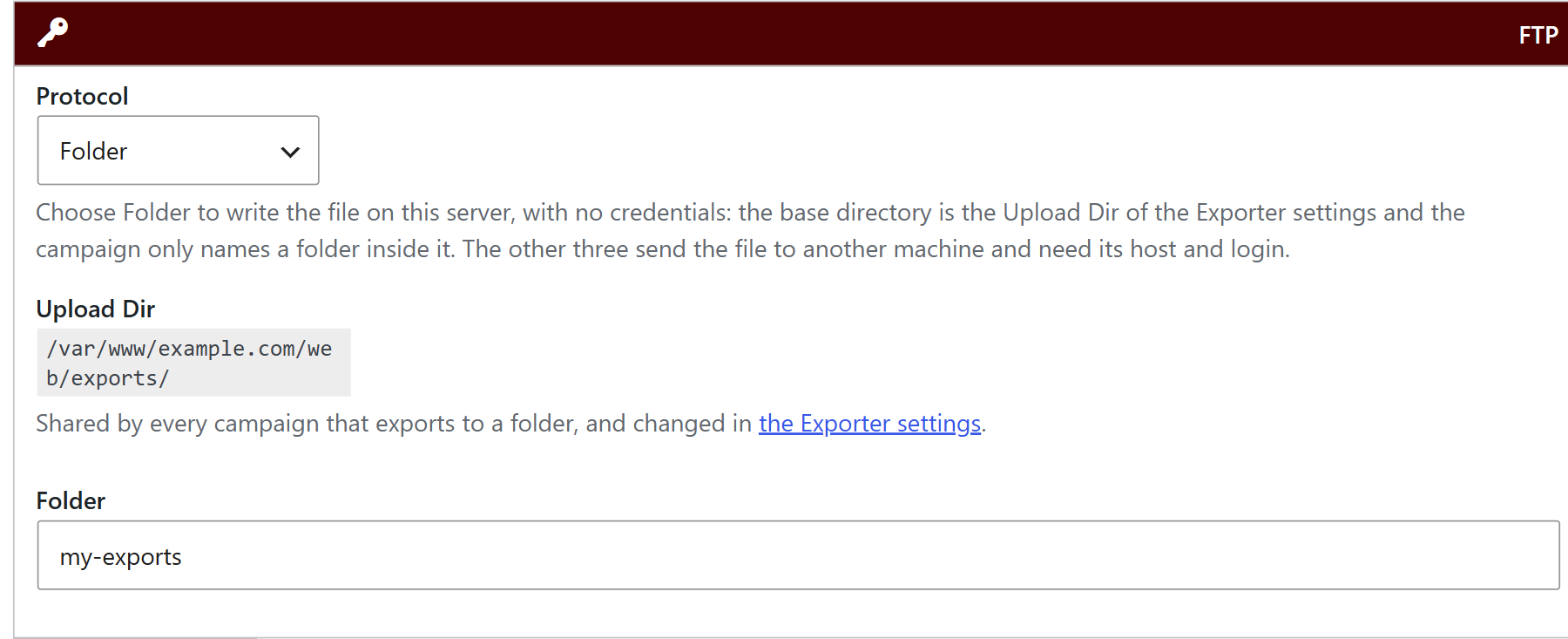
Select the Protocol:
- FTP, SFTP – SSH or SSH2 – SCP: sends the file to another server. Fill in the host, port, username, password and the remote path, and click Test connection.
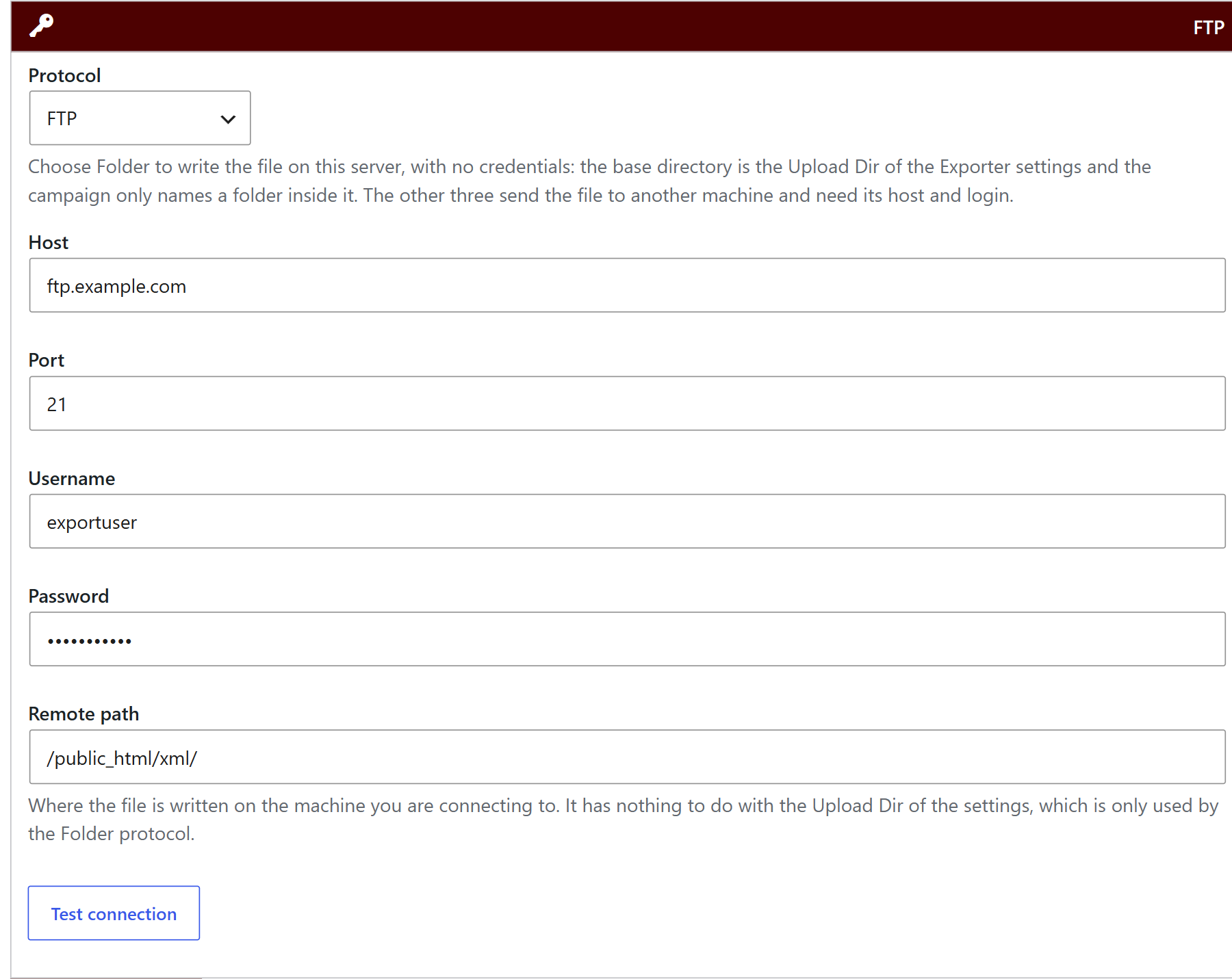
- Folder: writes the file on your own server, with no credentials. The base directory is the Initial Upload dir of the Exporter settings, and the campaign only names a folder inside it.
Publish the campaign and click Run Now to see the first file without waiting for the schedule. From then on, each run exports the new posts to the place you chose. Every run is saved in the Logs box, and the Email box can send you the logs.
- How to import XML from folder? (import the exported files with a WPeMatico campaign)
- How XML Campaign Type works?


